
7 Signs Scheduling Chaos Is Slowing Down Your Home Service Business
We’ve all been there—juggling sticky notes until something breaks. Learn why "manual" scheduling is a hidden tax on your business and how to reclaim your time.

Jeremy Edgar
Published Apr 28, 2026
Last updated Jul 21, 2026
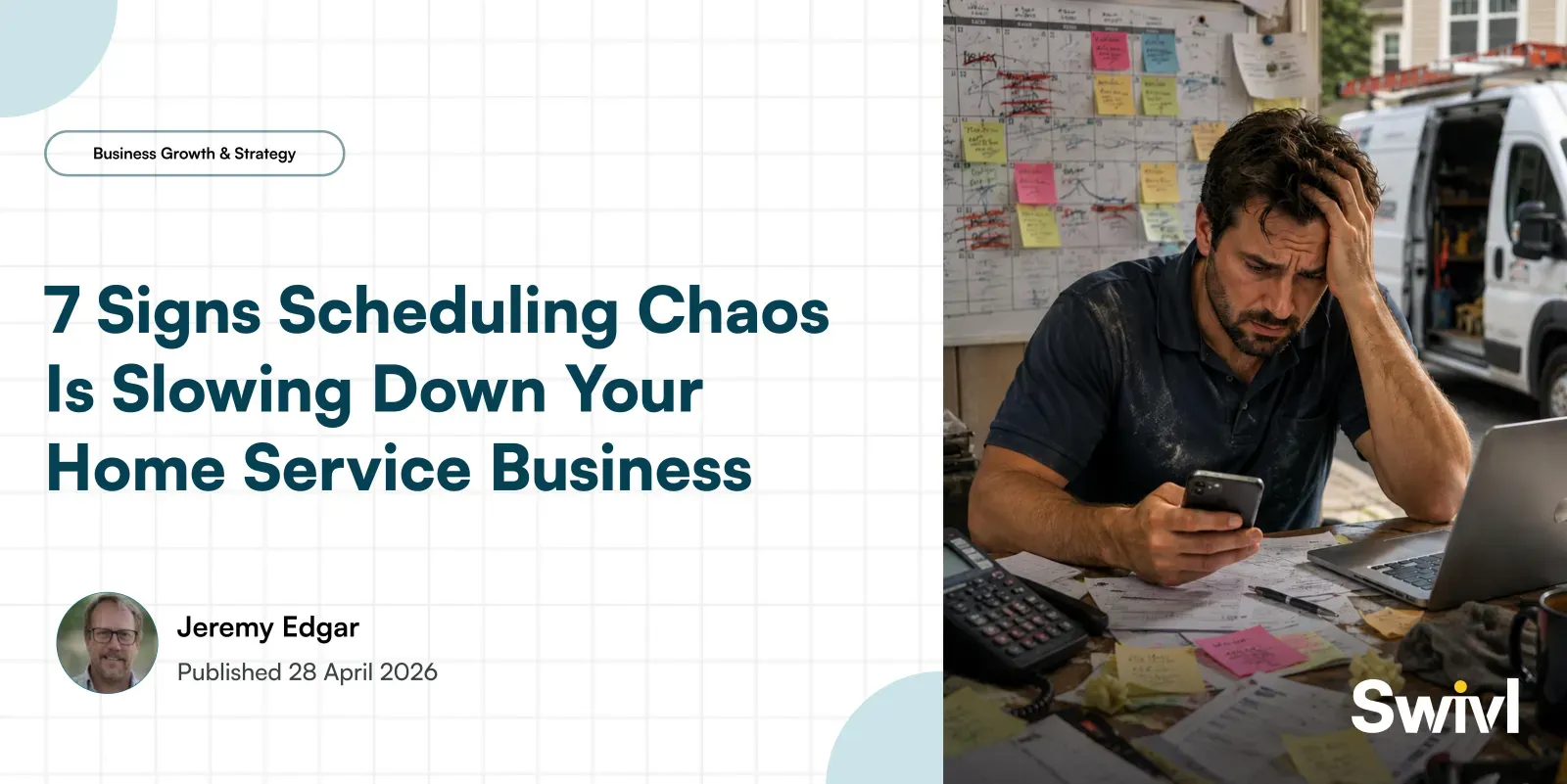
Table of Contents
Share this article
Scheduling chaos does not happen all at once. It builds gradually — a double-booking here, a miscommunicated arrival time there — until the inefficiencies become so embedded in daily operations that they feel normal. Here are seven signs that scheduling chaos is actively slowing down your business, and what you can do about each one.
1. You Are Double-Booking Jobs More Than Once a Month
A double-booking is not just an embarrassment — it costs real money. When two jobs are scheduled for the same technician at the same time, one customer gets a late arrival or reschedule, and your team wastes time on a problem that should not exist. If this is happening regularly, the root cause is usually a scheduling system that does not prevent conflicts automatically. Manual scheduling — whiteboards, shared Google calendars, text threads — cannot enforce real-time conflict checking the way dedicated scheduling software can.
2. Customers Call to Ask Where the Tech Is
When a customer calls your office to ask whether the technician is still coming, it means your communication has broken down. Either the appointment was never confirmed, the customer was not given an accurate arrival window, or something changed on the schedule without the customer being notified. Each inbound "where is the tech?" call consumes office staff time and signals to the customer that your operation is disorganized. Automated appointment confirmations and arrival notifications eliminate this problem.
3. Your Dispatcher Spends Most of the Day Reacting
A good dispatcher's day should be mostly proactive — managing the schedule, anticipating problems before they occur, and communicating efficiently with technicians and customers. If your dispatcher is constantly reacting — fielding calls about late arrivals, scrambling to reassign jobs when a tech calls out, manually updating customer records after every change — your scheduling system is putting the burden on human effort rather than automation. When tools handle the routine communications and conflict detection, dispatchers can focus on exceptions rather than being consumed by them.
4. You Cannot Quickly Answer "What Does Tomorrow Look Like?"
If getting a clear picture of tomorrow's schedule requires pulling information from multiple sources, calling your dispatcher, or scrolling through a cluttered shared calendar, your scheduling visibility is inadequate. Business owners and managers should be able to see the next day's schedule — jobs, assignments, time blocks, customer details — at a glance. That kind of visibility is only possible when scheduling is centralized and connected to your broader operations through real-time reporting.
5. Technicians Show Up Without the Right Information
When a tech arrives at a job site without knowing the full scope of the work, the customer's history, or the parts they might need, they are operating blind — and the customer notices. This usually happens when job details are communicated verbally or through text rather than through a system that gives techs access to the full job record from their phone. A connected CRM and job record system ensures that every tech arrives informed.
6. Rescheduling Feels Like a Logistical Crisis
Things change. Customers cancel, techs call out sick, jobs run longer than expected. In a well-run scheduling system, these changes are manageable — a tech's jobs get reassigned, the affected customers are notified automatically, and the updated schedule is visible to everyone immediately. In a manual system, the same change requires a cascade of calls, texts, and manual updates. If rescheduling feels like an emergency every time it happens, your scheduling process is too fragile.
7. Your Peak Season Exposes the Cracks Every Year
If your scheduling system mostly works during slow periods but falls apart during your busy season — with more double-bookings, more missed communications, more stressed dispatchers — it is not built to scale. The right scheduling infrastructure should handle peak volume without requiring proportionally more manual effort. If adding 30 percent more jobs in the summer means adding 30 percent more scheduling overhead, the system is not working.
How to Fix Scheduling Chaos
Most scheduling problems in home service businesses trace back to the same root cause: tools that were not built for field service operations. Generic calendars, whiteboards, and spreadsheets do not check for conflicts, send automated notifications, or give technicians mobile access to job details. Purpose-built scheduling tools do all of these things — and they do them automatically, so your team can focus on the work instead of managing the logistics.
Swivl's scheduling and dispatch tools are built specifically for home service businesses — handling conflict detection, automated customer notifications, technician routing, and real-time visibility in one connected platform. If any of the signs above sound familiar, it is worth seeing what a better system looks like.
Ready to transform your business?Transform your business
Join thousands of contractors already growing with Swivl's AI-powered platform.