
Run Local Google Ads Without Hiring an Agency
Choose your service area and set your daily budget. Max creates the campaign, and you approve every ad before it runs.
Reach Nearby Homeowners Without an Agency
Create local Google campaigns for your service area while keeping control of the ads and daily spend.
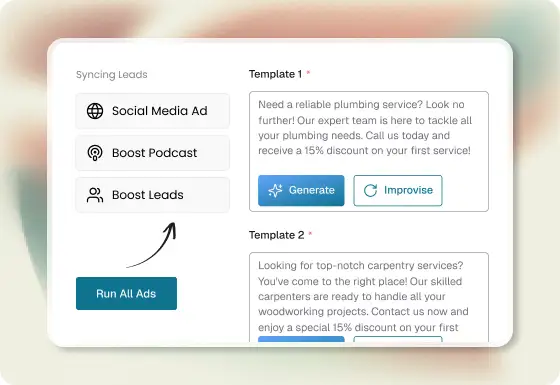
Turn Your Offer Into Ready-to-Review Ads
Tell Max which service you want to promote. It creates the copy and visuals, and you choose what is ready to run.
- AI-generated ad copy and visuals
- Ads built around your service and offer
- Review every creative before launch
Choose Where Your Ads Run and What You Spend
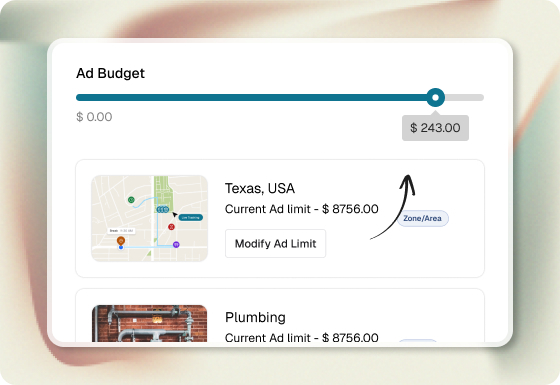
Pick your service area, daily budget, and campaign goal. Max turns those choices into a Google campaign you can launch from Swivl.
- You control the daily budget
- Target customers around your service area
- Save as a draft or launch when ready
Built for Home Service Contractors
Max Ads helps plumbers, HVAC companies, electricians, roofers, cleaners, and other contractors promote their services on Google.
- Google Display and Demand Gen campaigns
- On-brand ads for your services
- Campaign reporting inside Swivl
Grow your local reach without becoming a Google Ads expert.
Max Ads helps you create and run local campaigns while you keep control of the offer, service area, and spend.
Built for busy operators
Create and launch a campaign without becoming an ad-platform expert.
AI-assisted, with you in control
Max creates the copy and visuals. You choose what runs and how much you spend.
Target your service area
Choose a city and radius so your campaign focuses on the customers you can serve.
No blank canvas
Start with your offer and brand. Max turns them into ready-to-review ad options.
No agency handoff
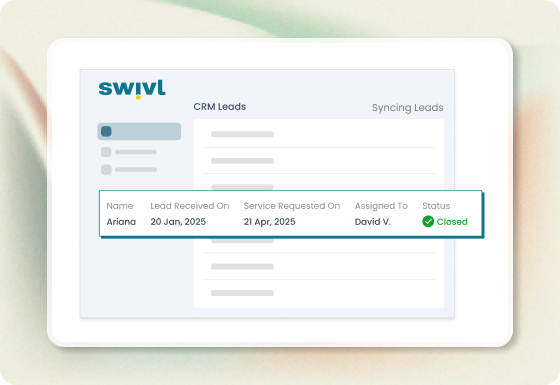
Review, edit, pause, and manage campaigns from Swivl instead of waiting on an agency.
Results in one place
Monitor spend, impressions, clicks, and leads in Max Ads reporting.
Simple, Transparent Pricing
Max Ads uses Swivl credits. Your Google ad spend is separate and follows the daily budget you choose.
 250 credits/month
Everything needed to run the work
It is you, a truck and a phone that rings at dinner. Enough to run every job properly without paying for the privilege.
Starts with 14 days on Scale Pro to get set up, then 250 credits a month — about 4 AI estimates, or 250 texts, or a month of your website.
 Recommended for Max Ads1,500 credits/month
Adds the AI Receptionist
You have hired, and you are chasing more work. Texting and writing estimates by hand has started costing you evenings.
Where the AI Receptionist switches on — 150 minutes of it, or about 25 AI estimates, or 1,500 texts.
4,800 credits/monthAdds GPS on the map
Several crews out daily. You already know an hour of admin is an hour you did not sell, and you have the volume to make the AI pay for itself.
Where GPS switches on — enough for a small crew on the map all month, plus about 80 AI estimates and a receptionist taking calls.
12,000 credits/monthThe lowest published rate per credit
Trucks, dispatchers and office staff. At this volume 2.5¢ a credit instead of 3.3¢ stops being a rounding error.
About 200 AI estimates a month, GPS across a full fleet, and a receptionist on every call.
Every rung runs the whole business. Unlimited users, jobs, customers, estimates, invoices, scheduling, the mobile app and the crew’s clock-ins cost nothing on any plan, including the free one. What climbing adds is the AI Receptionist at Growth, GPS on the map at Scale Pro, and a cheaper credit the whole way up.
GPS sits on Scale Pro because that is where the credits are. One tech on the map runs about 880 credits a month, so Growth would cover 1 truck and little else. We would rather put it on the plan that can actually carry your crew than sell you something that burns out in a fortnight.
What Field Teams Are Saying
About Swivl
“I'm not a computer guy, but I was assigned an account manager on day one and it's an actual person and I've been able to call email and text them for anything and like for help getting the system set up or explaining new features and even a little industry advice.”

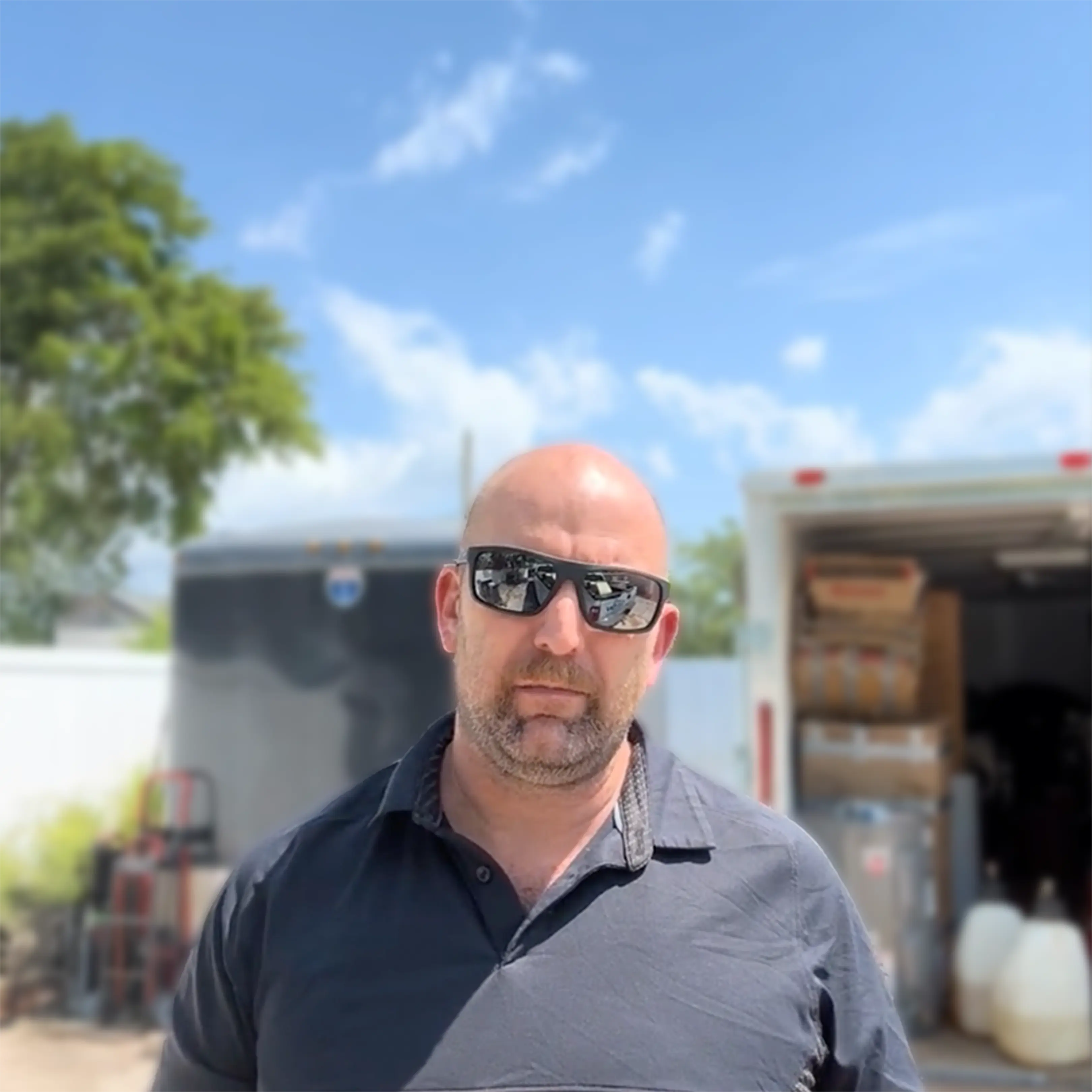

Scott Williams
Owner Operator - B&W ElectricFrequently asked questions
Everything you need to know about the product and billing.
Max Ads uses Swivl credits. Google ad spend is separate, and you choose the daily campaign budget before launch.
No. Max guides you through your offer, goal, budget, and location, then creates ads for you to review before launch.
The setup is a short guided flow. Add your offer, choose a goal and budget, select your service area, and review the creatives Max generates.
Max gives you control over the offer, budget, location, and creative before launch, with reporting in Swivl so you can see what the campaign is doing.
You choose the offer, campaign goal, daily budget, service area, and creative. You can pause, edit, or stop campaigns after launch.
Max Ads is built specifically for home service businesses — HVAC, plumbing, electrical, roofing, landscaping, and similar services.
Max Ads promotes your own business and offer. It is not a marketplace that sells the same lead to several contractors.
Max helps you create and launch a Google campaign directly from Swivl. You control the ad creative, targeting, and spend without an agency workflow.
No. Max creates ad copy and on-brand image creatives for you to review and select before launch.
Yes. You can review campaign performance and edit, pause, or stop a campaign from Max Ads.



Still have questions?
Can't find the answer you're looking for? Please chat with our friendly team.