
How to Run Your HVAC Business From Your Phone (Best Apps 2026)
A comprehensive, modern playbook on running a agile, mobile-first HVAC operation directly from your smartphone in 2026. This extensive guide breaks down how contractors are leveraging a specialized hvac field service app to eliminate desk dependency, streamline dispatch logistics, and automate field-to-office communication. Discover the top 10 mobile applications for scheduling, inventory, digital invoicing, and team coordination, and learn how deploying an intuitive hvac technician app gives your crew real-time autonomy—slashing resolution times, reducing administrative overhead, and unlocking scalable business growth directly from the palm of your hand.
Surya
Published Jul 11, 2026
Last updated Aug 23, 2026
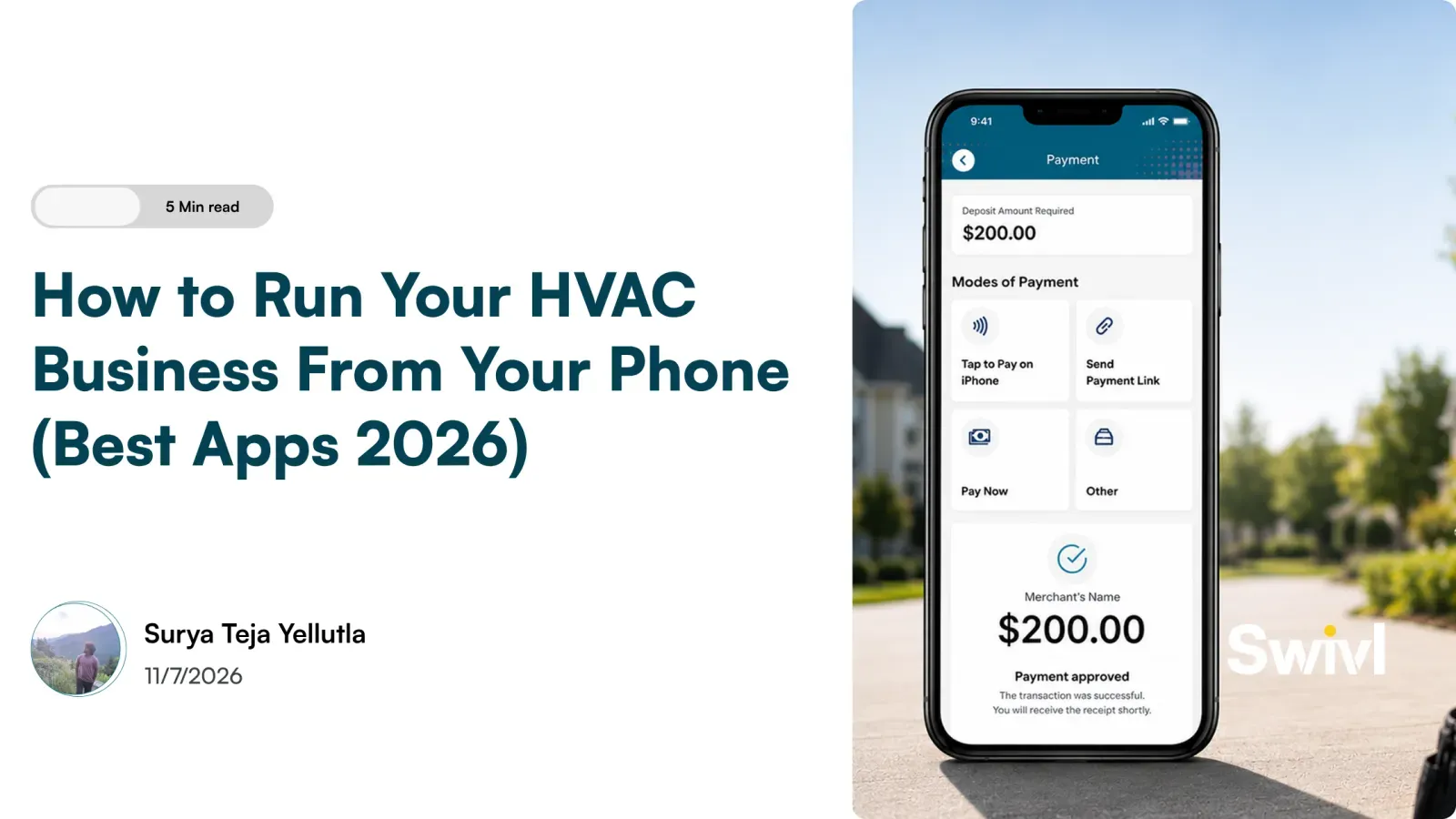
Table of Contents
Share this article
Welcome to a new-age era where mobile technology has made the working style of HVAC businesses topsy-turvy. This extensive guide will show how to run an HVAC business on your smartphone with contemporary apps available in 2026, putting forth top candidates from scheduling, invoicing, communication, and inventory, among others, to keep you connected, organized, and ahead of your competition.
Why Should You Manage Your HVAC Business from Your Phone?
An HVAC worker does not have the luxury of remaining bound by a desk or an office these days. Mobile technology has changed the way service businesses operate, and the reasons for it are quite good. Running your HVAC business from your phone is no longer just a convenience but rather an advantage in staying ahead of the competition.
1. Real-Time Responsiveness
Present-day customers want immediate answers and updates. Technicians, clients, and suppliers must communicate without any delay by using mobile applications.
Transitioning your fleet to a mobile-first environment requires an intuitive hvac technician app that gives your crew total autonomy in the field. Equipping your team with a dedicated hvac field service app turns every smartphone into a portable command center, allowing technicians to upload job site photos, capture digital signatures, and update service logs on the fly. When your team relies on an integrated hvac field service mobile app, your office staff gains complete visibility over daily job progress, eliminating manual check-in calls and keeping your entire operation connected in real time.
The management can, thus, quickly approve work orders, change schedules, or share status updates without having to be physically present.
2. Increased Efficiency
Just a couple of clicks, and you dispatch jobs, send quotes, assign technicians, order parts, and track progress from any location. These build up their operations and do away with the delays caused by waiting to come back to a desktop or office.
3. Better Customer Experience
Being a mobile-enabled company means you provide ETAs, quick estimates, and real-time updates about your services. This kind of transparency fosters a relationship of confidence and loyalty between you and your customers.
4. Work-Life Balance
Running your business through your phone lets you have a mobile operation that allows you to spend time with family or be an on-site presence. In a way, you are always in control, but not always actively on call.
5. Get Competitive
Being mobile-ready means operating faster and smarter than businesses still clinging to outdated workflows. HVAC companies using automated work order systems report up to 40% faster resolution times
Ready to digitize your field operations? Try Swivl, your all-in-one mobile FSM platform.
10 Best Mobile Field Service Apps to Run Your HVAC Business in 2026
What is the best app for an HVAC business?
The best app for an HVAC business is the one a technician will actually open in a customer's driveway. For a solo contractor that is often just a calendar and an invoicing tool. For a two to ten truck shop it is almost always a single field service app carrying scheduling, dispatch, estimates and invoicing together, because the alternative is re-typing the same job into four places. The ten below are ordered that way: the all-in-one platforms first, then the single-purpose apps worth adding around one.
With mobile technology constantly evolving, the least it is achieving these days is to make running an HVAC business from the phone comparatively easier and more efficient. From field service management, accounting, and communication to inventory tracking, there exists virtually an app for every task. Here are the top mobile apps your HVAC business can consider to stay connected, productive, and profitable.
1. Swivl
Why choose Swivl?
Swivl is built specifically to empower HVAC professionals by turning your mobile phone into a powerful business operations hub. Whether you're an independent contractor or managing a team, Swivl centralizes your day-to-day tasks, from job scheduling and technician tracking to digital paperwork and customer communication, into a seamless, intuitive platform.
Key Mobile Features:
Real-time job scheduling with drag-and-drop ease
GPS-based technician tracking for full field visibility
Instant quote, invoice, and payment tools
Smart customer communication (alerts, follow-ups, reminders)
Built-in reporting for service history and business performance
Cloud-based sync with desktop platform for anytime, anywhere control
2. Housecall Pro
A popular choice among solo HVAC contractors, Housecall Pro offers fundamental scheduling, dispatching, and invoicing features in a user-friendly mobile layout. It’s ideal for smaller teams looking for fast deployment and streamlined communication.
3. ServiceTitan Mobile
Designed with larger service operations in mind, ServiceTitan offers deep customization, advanced analytics, and workforce management tools. Best suited for multi-location businesses or those with 5+ technicians.
4. Jobber
Jobber appeals to independent technicians or small HVAC companies that need an intuitive platform for scheduling, estimates, and basic invoicing. It’s easy to use and quick to get started with, especially for users new to mobile tools.
5. QuickBooks Online + QuickBooks Time
When paired, QuickBooks’ suite supports HVAC businesses with mobile invoicing, expense tracking, GPS-based timesheets, and payroll integration. It’s a solid accounting backbone that can be used alongside field apps like Swivl.
6. WhatsApp Business / Slack
Effective communication is key. These apps help HVAC businesses stay in touch with field staff, office admins, or clients in real time. Slack is ideal for structured team discussions, while WhatsApp Business adds quick customer replies and business profiles.
7. GoogleWorkspace
From Google Calendar for technician appointments to Google Drive for document storage, Google Workspace tools are essential for daily business needs. All tools work well on mobile, offering cloud-based access to emails, reports, forms, and more.
8. Trello / Asana
These project management apps help organize longer HVAC installations or seasonal maintenance plans. Create visual job boards, assign team tasks, and attach documents or images from your phone.
9. Inventory Now / Sortly
Inventory management is crucial in HVAC. These apps let you track tools across vans, restock parts, or set up alerts for low inventory. all from your phone using barcode scanners and item photos.
10. CamScanner / Adobe Scan
These apps are great for digitizing job completion forms, agreements, and receipts. Scan documents, convert them to PDFs, and save or share them instantly with your team or clients.
Do you need a separate HVAC sales app?
Search for an HVAC sales app and you get two different products: a CRM for tracking leads and pipeline, and a field tool for building the quote in front of the homeowner. Most small HVAC shops go looking for the first and actually need the second.
A residential system replacement is usually won or lost in the ninety minutes your technician is standing next to the failed equipment. A quote that arrives by email two days later is competing against whoever handed the homeowner a number before leaving the driveway. So the sales capability that matters most on a phone is the one that produces a priced, presentable option on site, with photos of what you found.
That is why a separate sales app is often the wrong purchase under ten trucks: the estimate needs the job data, and the job data already lives in the field service app. Swivl's mobile app creates estimates and invoices directly from the job site, collects digital signatures and takes payment there, and the AI Estimator drafts the estimate itself. Pipeline tracking becomes a real need once you employ a dedicated salesperson, but that is a different problem from getting a number into the homeowner's hands before you drive away.
Factors You Should Look For in a Field Service Management (FSM) App
With a wide range of FSM apps available, choosing the right one for your HVAC business can significantly affect your workflow, technician efficiency, and customer satisfaction. Here are the key factors you should consider before committing to a platform:
1. Mobile-First Design
Make sure the app is designed to work intuitively on smartphones, not just adapted from desktop software. A clutter-free interface, offline functionality, and smooth navigation are critical when your team is on the move.
2. Job Scheduling and Dispatch
Your FSM app should allow you to create, assign, and reschedule jobs quickly. Features like drag-and-drop calendars, technician GPS tracking, and status updates are essential for real-time coordination.
3. Invoicing and Payments
An ideal FSM tool lets you generate estimates, create invoices, and accept payments directly from the field. Instant billing reduces paperwork and shortens payment cycles.
4. Customer Communication
Look for features like automated appointment reminders, text/email alerts, customer history logs, and post-job feedback collection. These help maintain transparency and build trust with your clients.
5. Team Management Tools
From technician scorecards and time tracking to performance insights and payroll-ready reports, having team accountability features can greatly streamline management.
6. Cloud Integration and Data Sync
Automatic cloud syncing keeps office staff and field techs working off identical records. When managing sensitive customer data and payment records across mobile devices, adhering to cybersecurity guidelines like the NIST Guidelines for Managing the Security of Mobile Devices ensures your cloud channels remain encrypted and compliant.
7. Inventory and Asset Tracking
Managing parts and equipment across multiple vans or warehouses can be a challenge. Choose an app that offers barcoding, restock alerts, and real-time inventory insights.
8. Custom Forms and Compliance
You may need to generate inspection checklists, safety compliance forms, or service agreements. An FSM app should allow for customizable forms that can be filled, signed, and stored digitally on-site.
9. Easy Onboarding and Support
No matter how feature-rich, an FSM tool should be easy to set up and learn. Access to tutorials, live support, and training documentation is vital, especially for less tech-savvy users.
Why Swivl Stands Out Among the Rest
While many field service apps serve specific needs, **Swivl** was designed as a holistic, mobile-first FSM solution purpose-built for HVAC professionals in 2026. Here’s why Swivl continues to earn the trust of both independent contractors and growing teams:
1. All-in-One Platform
Swivl combines scheduling, dispatch, invoicing, technician tracking, communication, and analytics, all in a single intuitive app. No need to juggle multiple platforms.
2. User-Friendly Interface
Technicians can navigate jobs, mark completions, upload photos, and communicate with customers using a clean and minimal UI, even if they’re not tech experts.
3. A Dispatch Board Built for Change
Every HVAC business runs its day differently. Swivl's dispatch board takes drag and drop rescheduling, flags scheduling conflicts before you confirm a booking, and keeps unassigned work in a single queue instead of on a notepad.
4. Seamless Cloud Syncing
Whether you're working from the field or from the office, Swivl ensures that all data is updated in real-time and securely backed up across all devices.
5. Responsive Support & Onboarding
Swivl provides live customer support, training resources, and smooth onboarding, making it easier for your team to adapt quickly without disrupting operations.
6. Scalable as You Grow
From solo technicians to multi-crew businesses, Swivl adapts with your growth. It supports advanced analytics, user permissions, and integrations with accounting, inventory, and CRM tools.
Conclusion
Running your HVAC business from your phone in 2026 is not only feasible; it is convenient. With the right tools in place, you can do more with less: working smarter and providing a richer customer experience.
Everything from scheduling, inventory, communication, accounting, etc., is now just a tap, swipe, or voice command away! Being mobile will give you the freedom, control, and scalability to grow your HVAC business bigger than ever-whether you work alone or oversee a fleet of technicians.
Ready to move toward a smarter, mobile-driven HVAC operation? **Get started with Swivl today** and experience the difference in productivity, control, and growth.
Ready to transform your business?Transform your business
Join thousands of contractors already growing with Swivl's AI-powered platform.