Loading...
Loading...
How do you add a customer in Swivl? Create a customer account with their service and billing addresses, as many contacts as you need, tags and an assigned account manager, then attach documents and photos. Every job, estimate and invoice for that customer links back to this record.
Recorded November 2025. A few screens may look slightly different in today's app; the steps are the same.
Learn how to create and manage customer accounts in Swivl CRM with this comprehensive tutorial!
In this video, you'll learn: - Create a new customer account - Enter customer primary details and addresses - Add multiple contact details (name, role, phone, email) - Set primary and billing contacts - Assign internal team managers to accounts - Use tags for easy categorization - Upload documents and images - Edit and update customer information - View detailed customer profiles
Perfect for businesses looking to streamline their customer management process in Swivl CRM!
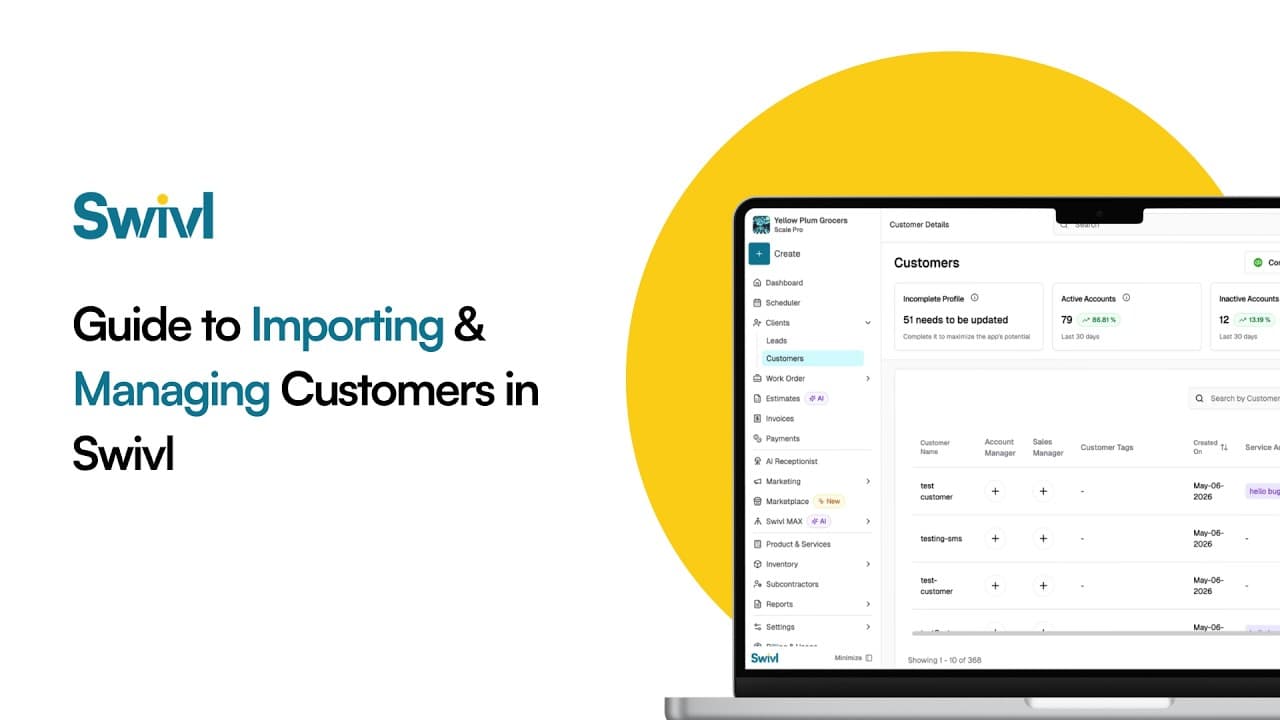
How do you move your customers to Swivl from another tool like Jobber, Housecall Pro or a spreadsheet? Export your customers as a CSV, upload it in Swivl, match the columns, preview, and import. You can then manage every customer, contact and address in Swivl's free CRM.
How do you keep track of subcontractors? In Swivl, create a subcontractor account with addresses, contacts, tags, an account manager and documents such as insurance certificates and contracts, so every sub's details sit in the same CRM as your customers and suppliers.
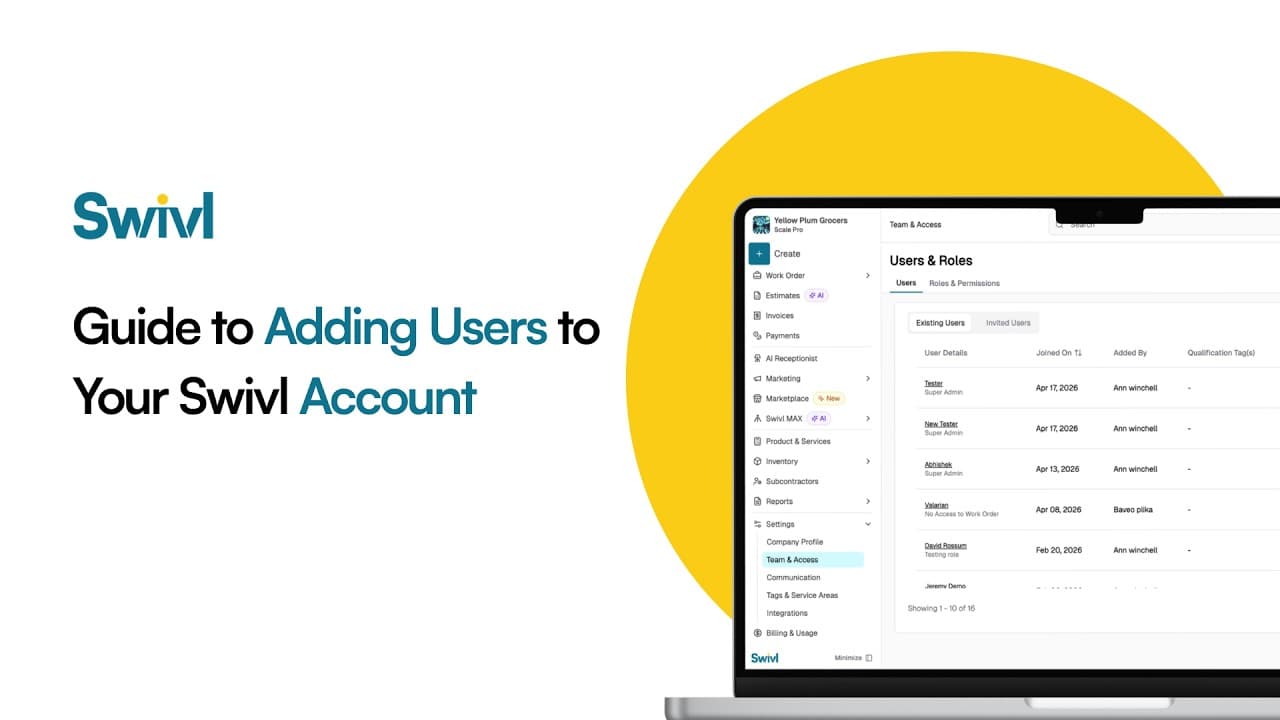
How do you add your team to Swivl? Invite each person by email, give them a role that controls what they can see and do, and set their pay rate and labor burden so job costing is accurate. Swivl has no per-user fees: unlimited users are included on the free plan.
Start free. Unlimited users, no card, no contract.