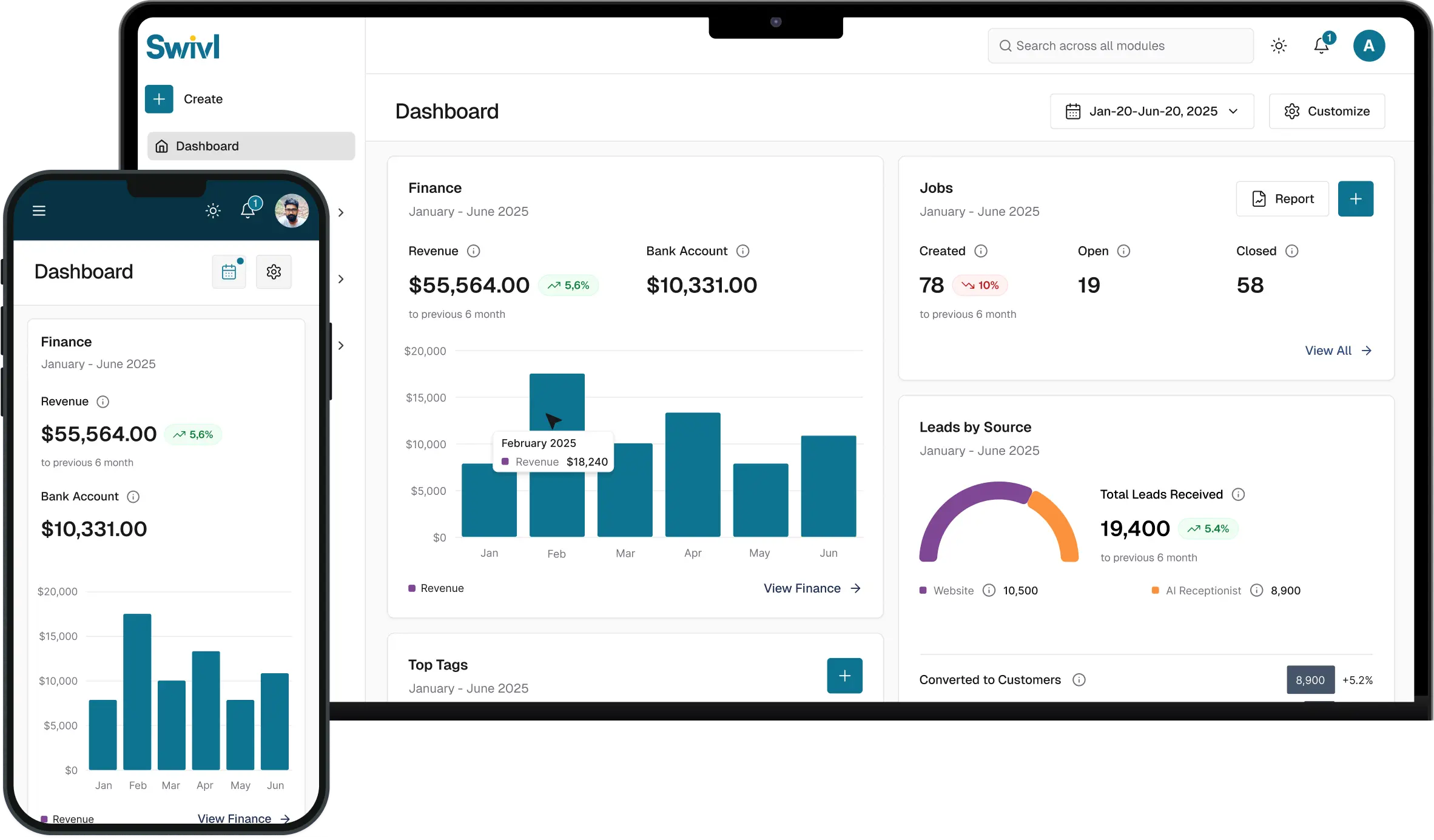
Loading...
Loading...
Learn how to add users, technicians, dispatchers, and office staff to your Swivl account in this complete user management tutorial. In this video, Tyson walks you through how to invite new users, configure roles and permissions, set compensation details, and optimize labor burden settings for accurate job costing.
Whether you're onboarding field technicians, office managers, W-2 employees, or 1099 contractors, Swivl makes it easy to manage your workforce and streamline dispatching for your field service business.

In this video, you’ll learn: - How to invite new users in Swivl - How to configure users and roles - How to add technicians and dispatchers - How labor burden percentage works - How to manage compensation settings - How to assign qualification tags and service areas - The difference between employees, contractors, and subcontractors
Swivl helps field service businesses manage scheduling, dispatching, technicians, payroll visibility, customer management, invoicing, estimates, and more all from one platform.
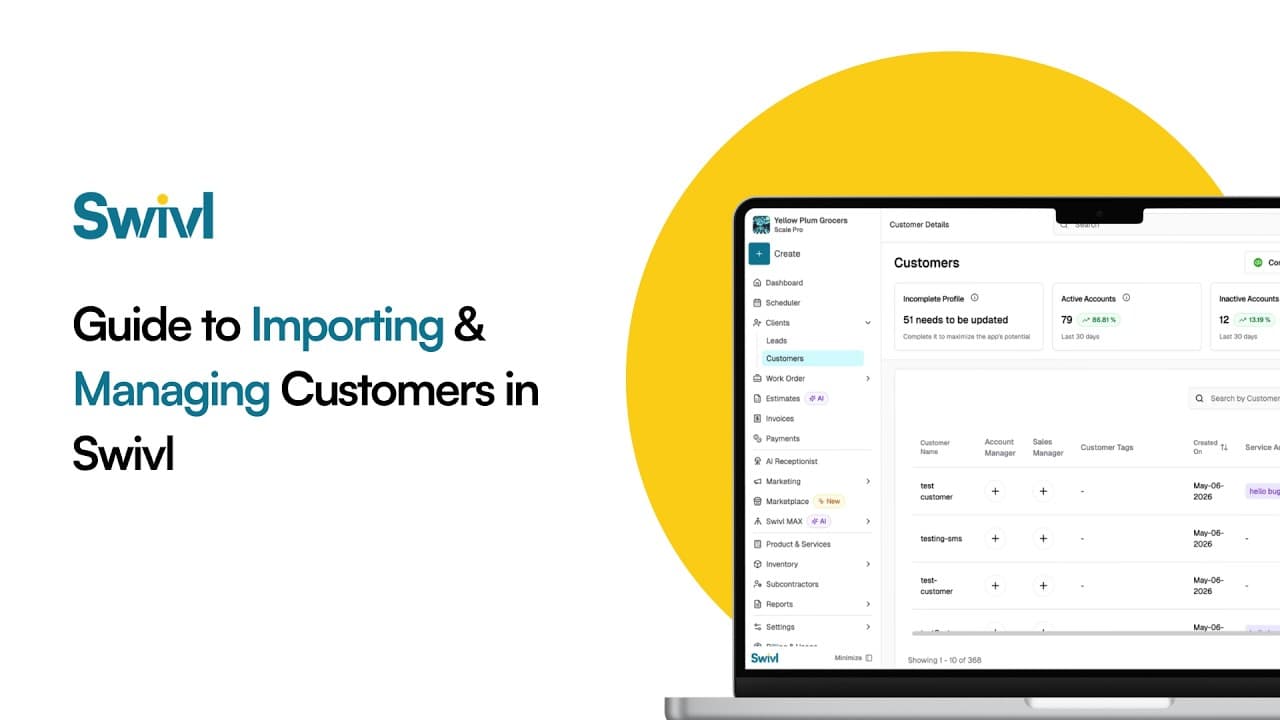
Learn how to add customers to your Swivl account using three simple methods, QuickBooks sync, CSV upload, and manual entry. In this tutorial, Tyson walks you through the complete customer import process so you can quickly organize your customer database and streamline your field service operations.
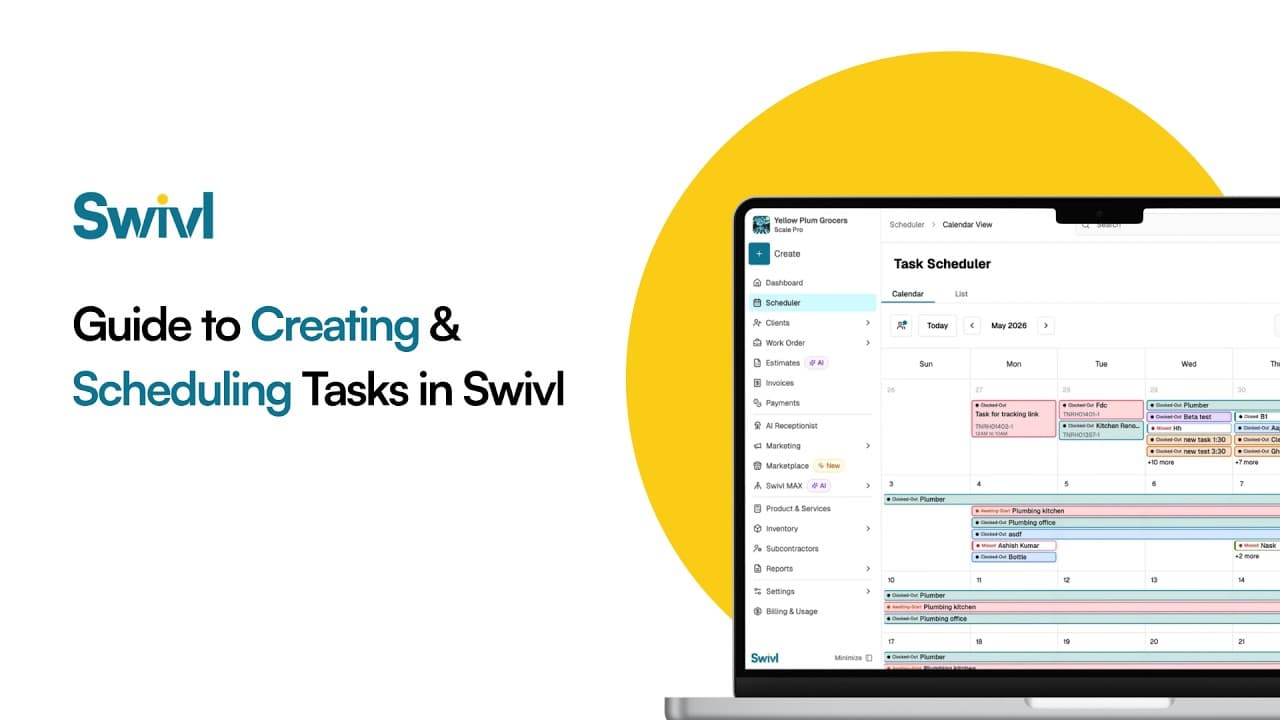
Learn how to create and schedule tasks in Swivl to streamline your field service operations and improve project management. In this tutorial, Tyson walks you through the difference between jobs and tasks in Swivl, how to organize customer information, and how field technicians can manage scheduled and unscheduled work more efficiently.
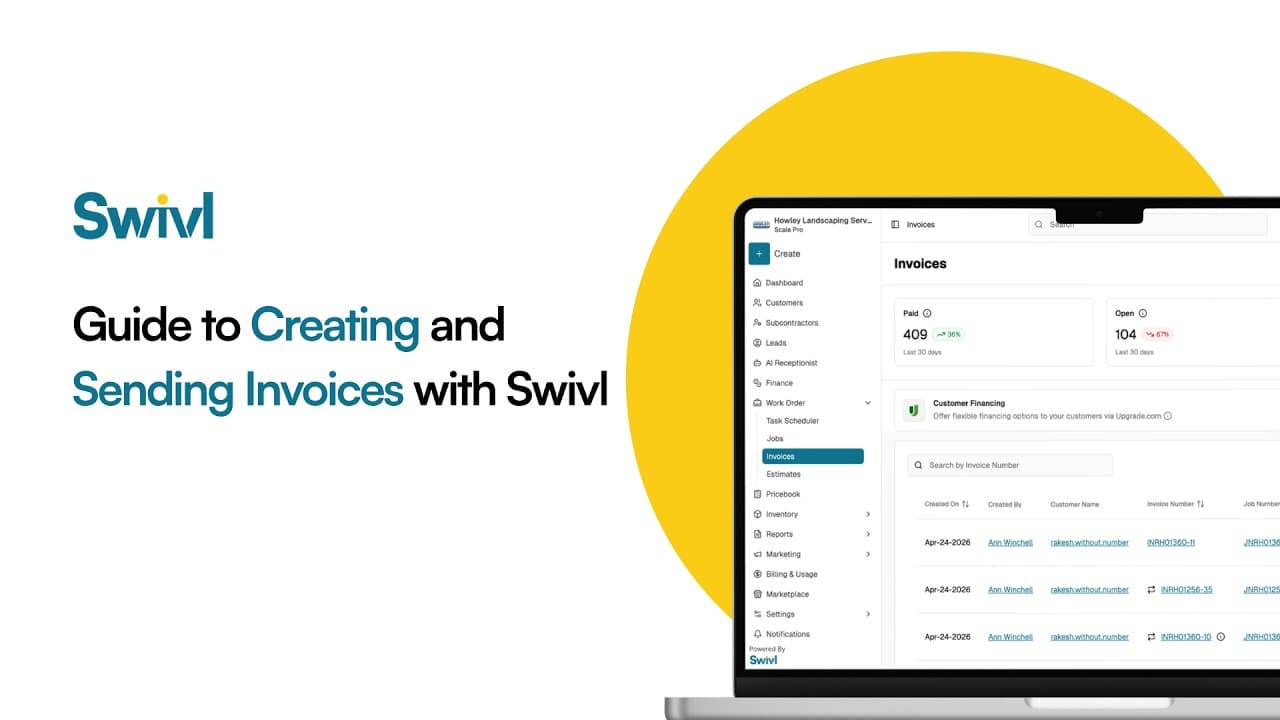
In this step-by-step tutorial, we’ll show you how to create, send, and get paid on invoices faster using Swivl — an all-in-one field service management platform built to simplify your workflow.
Start free. Unlimited users, no card, nothing expires.