Loading...
Loading...
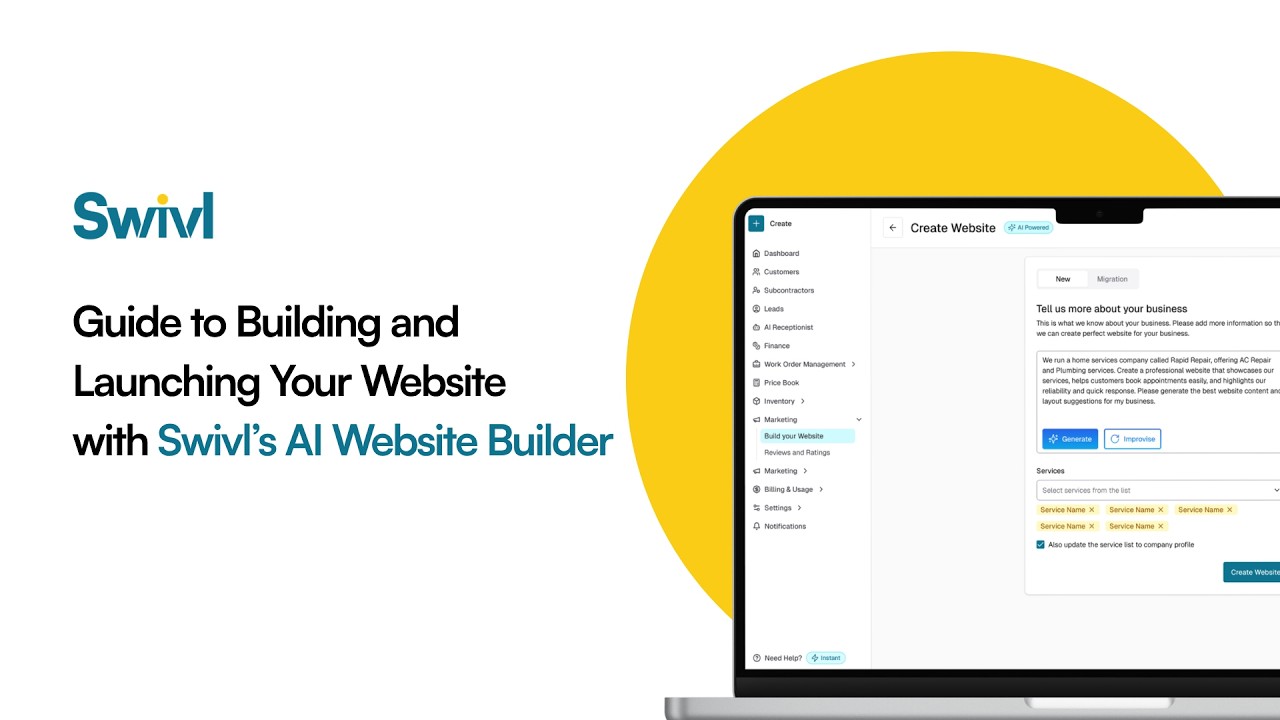
How do you build a website for a trade business without a developer? Swivl's AI Website Builder writes your pages from a short description of your business, adds online scheduling, instant quotes, a chatbot and built-in SEO, and publishes in minutes. It can also migrate an existing site. It runs on 200 credits a month, which the free plan's 250 monthly credits cover.
Build & Launch Your Website with Swivl’s AI Website Builder
Still don’t have a website for your business? Or stuck with something outdated, expensive, or hard to manage?
In this video, we walk you through how to build and launch a fully functional website using Swivl’s AI Website Builder, no coding, no hassle.
From creating your site from scratch to migrating your existing website, you’ll see how easy it is to go live with a professional, high-converting website in minutes.
What You’ll Learn: How to create your website using AI How to migrate your existing website instantly Customizing your site (colors, fonts, layout, content) Adding services with AI-generated descriptions Setting up instant quotes & online scheduling Using built-in SEO to get found on Google Enabling chatbot, analytics, and lead tracking Publishing your website and going live
Why Swivl?
Swivl doesn’t just build you a website—it helps you capture leads, book jobs, and grow your business 24/7.
With features like: ✔ AI-generated content ✔ Built-in scheduler ✔ Instant quote system ✔ AI chatbot ✔ Website analytics ✔ SEO optimization
Everything works together to turn visitors into customers.
Whether you're starting from scratch or upgrading your current site, Swivl makes it simple to get online and stay competitive.
👉 Ready to build your website?
Get started with Swivl today.
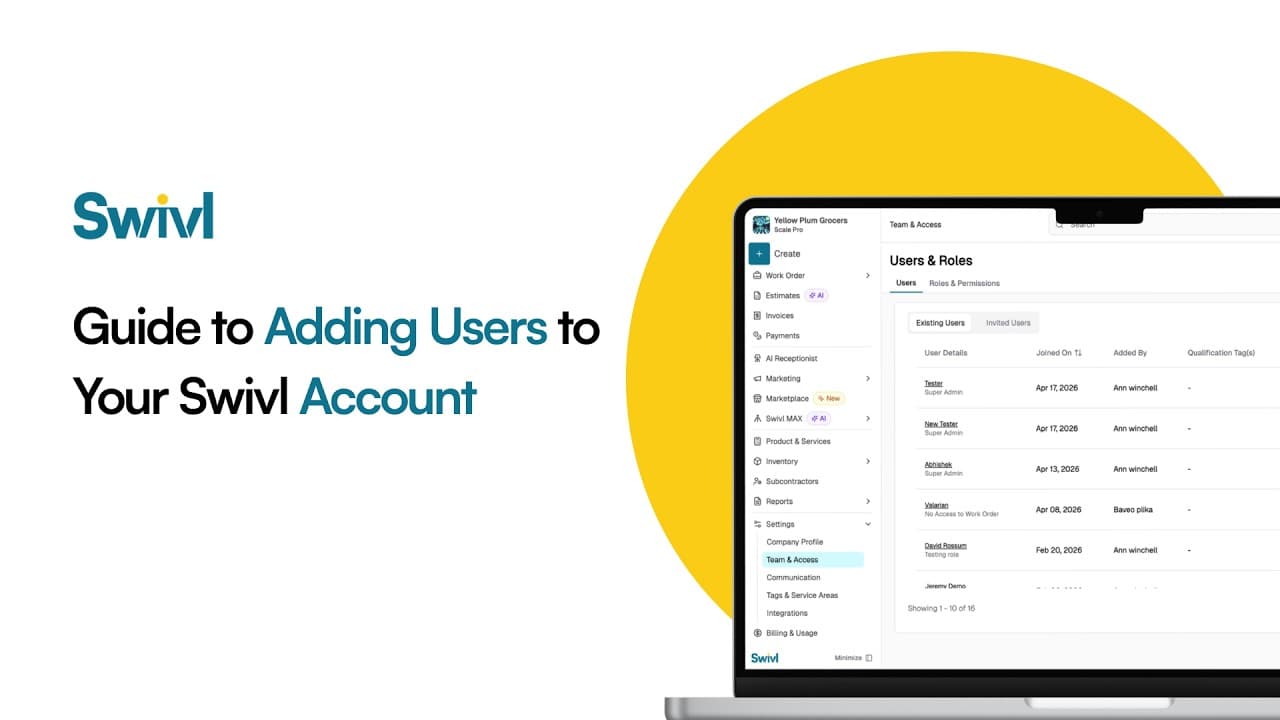
How do you add your team to Swivl? Invite each person by email, give them a role that controls what they can see and do, and set their pay rate and labor burden so job costing is accurate. Swivl has no per-user fees: unlimited users are included on the free plan.
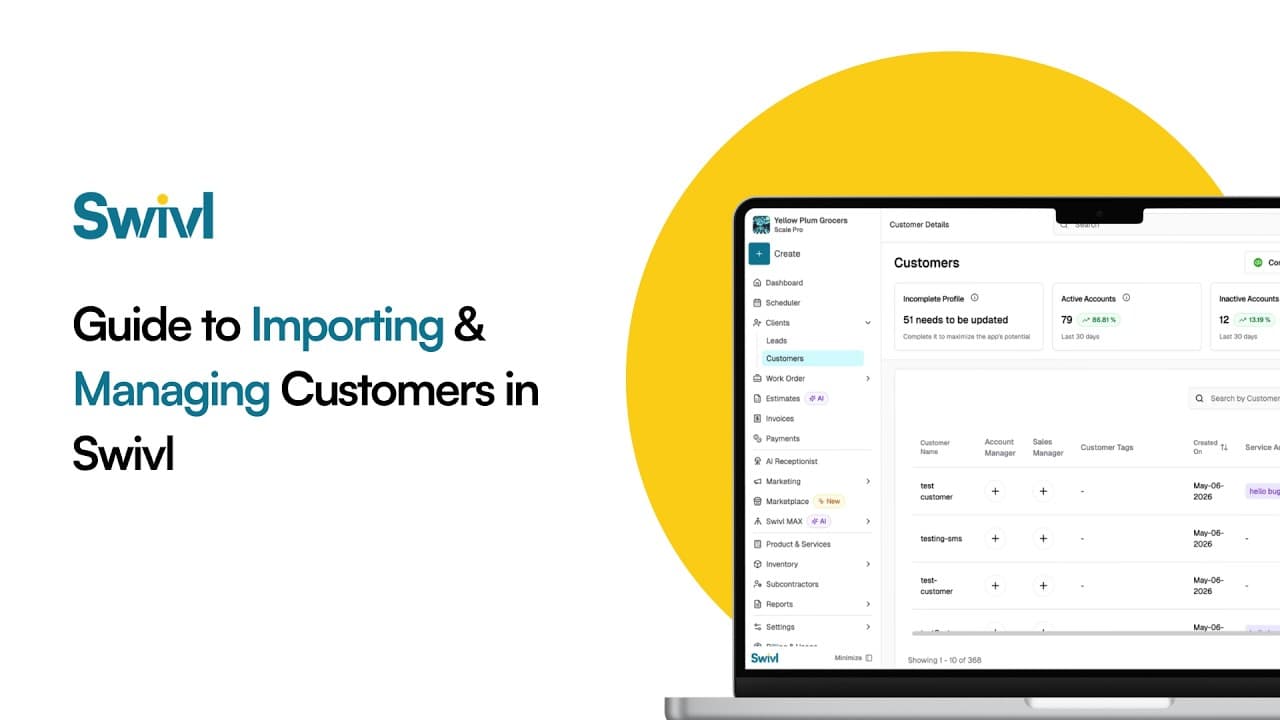
How do you move your customers to Swivl from another tool like Jobber, Housecall Pro or a spreadsheet? Export your customers as a CSV, upload it in Swivl, match the columns, preview, and import. You can then manage every customer, contact and address in Swivl's free CRM.
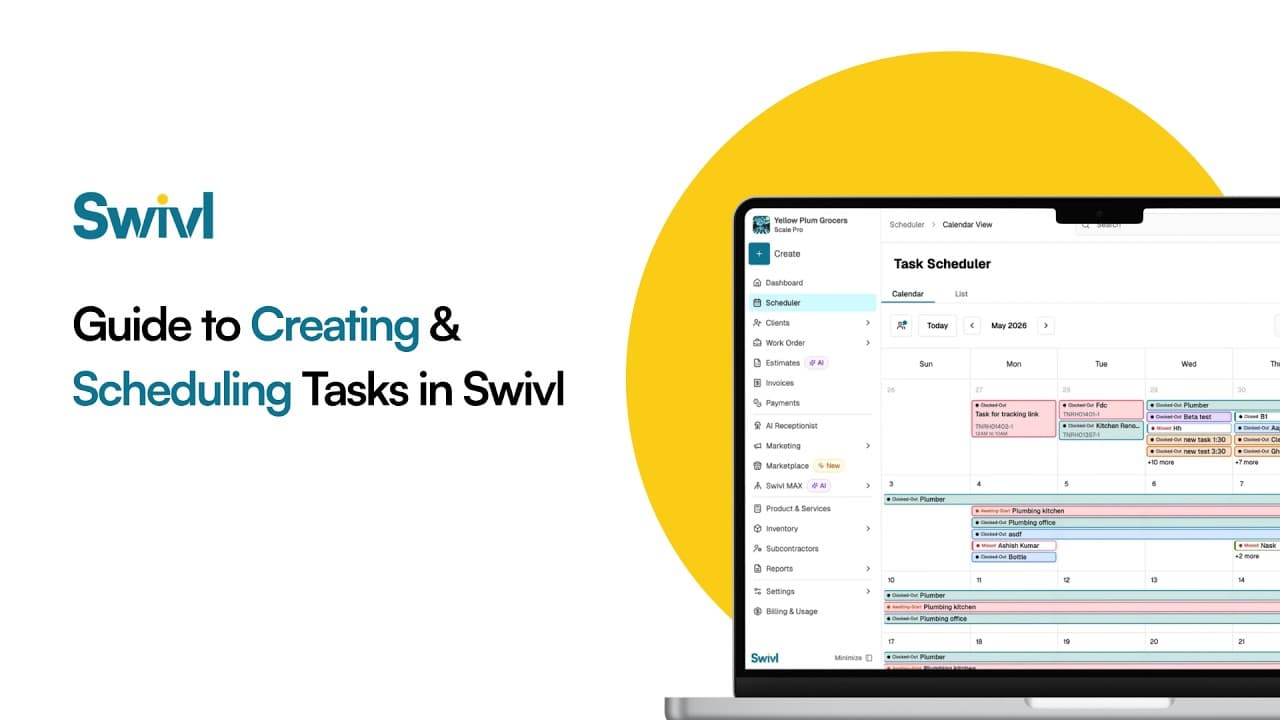
What is a task in Swivl? A task is one visit or piece of field work inside a job. You create it, assign a technician, set the date and time on the schedule, and the tech sees it in the Swivl mobile app with the customer address, notes and checklist, then clocks time against it.
Start free. Unlimited users, no card, no contract.