Loading...
Loading...
How do you make sure every job is profitable? Know your true cost first, then add markup. Swivl tracks labor, materials, vehicles, equipment and subcontractor costs on each job as they happen, applies a separate default markup to each cost category, and compares estimated costs with actual costs so you can price the next job better.
In this walkthrough, we show you how to set up margins and calculate true job costs inside Swivl, so you can price every job with confidence and actually stay profitable.
Most service businesses lose money not because of lack of work, but because they don’t fully understand their costs. This video breaks down how Swivl helps you track every cost in real time, from labor and materials to vehicles, equipment, and subcontractors, and automatically apply the right margins.
Inside this video, you’ll learn how to:
Set default markup percentages for different cost types Track real-time labor, vehicle, and equipment costs Use AI to capture material costs instantly Build accurate estimates using AI or manual inputs Avoid common pricing mistakes that kill margins Compare estimated vs actual job costs Improve future pricing using real job data
By the end, you’ll have a clear system to price jobs smarter, protect your margins, and build a more profitable service business.

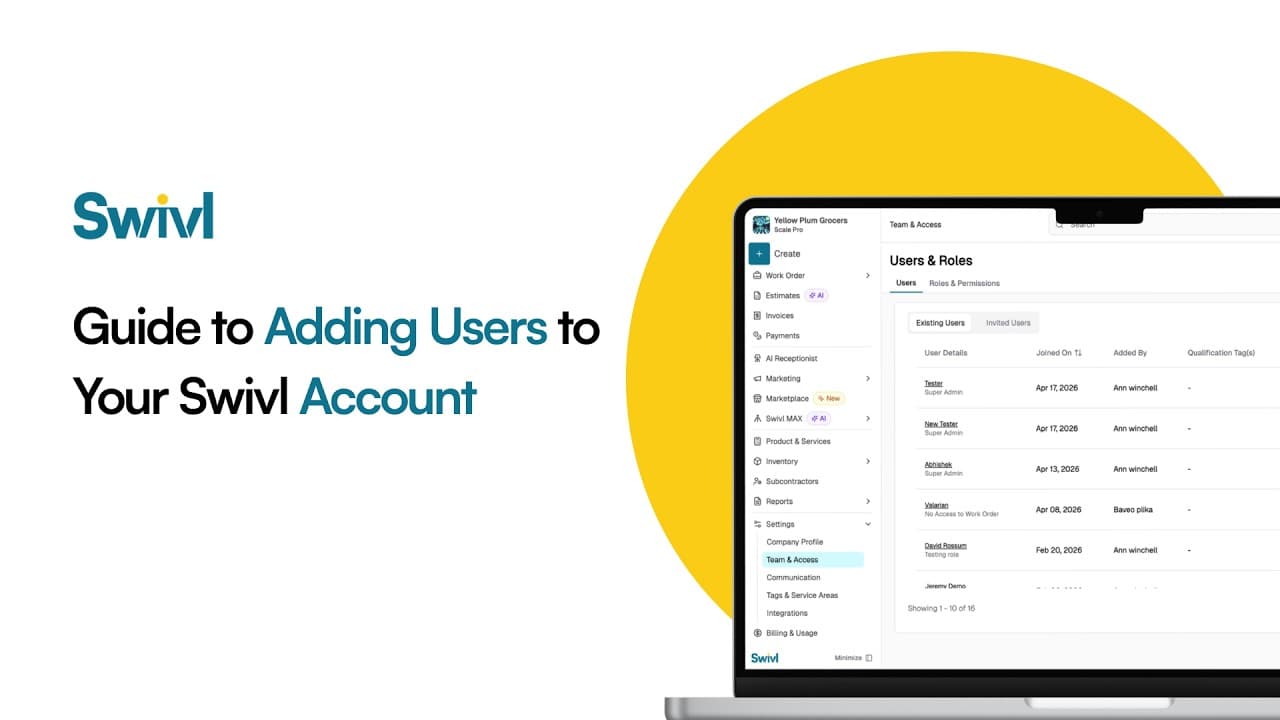
How do you add your team to Swivl? Invite each person by email, give them a role that controls what they can see and do, and set their pay rate and labor burden so job costing is accurate. Swivl has no per-user fees: unlimited users are included on the free plan.
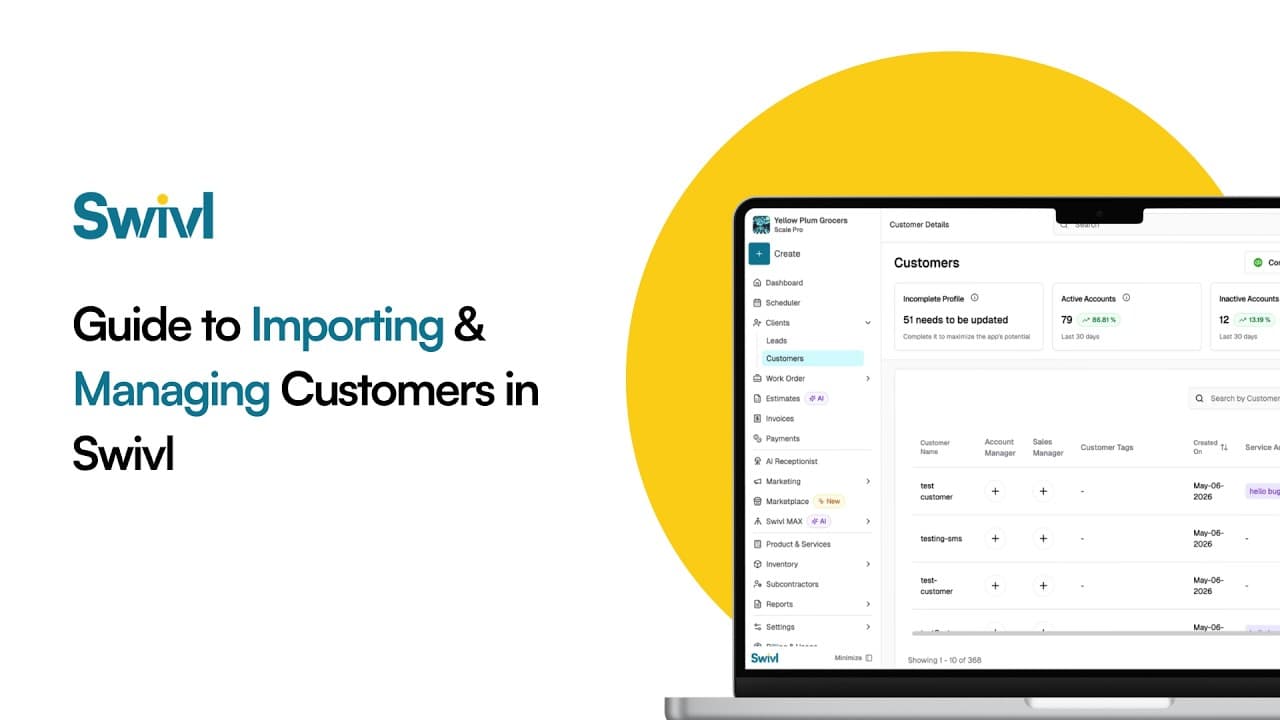
How do you move your customers to Swivl from another tool like Jobber, Housecall Pro or a spreadsheet? Export your customers as a CSV, upload it in Swivl, match the columns, preview, and import. You can then manage every customer, contact and address in Swivl's free CRM.
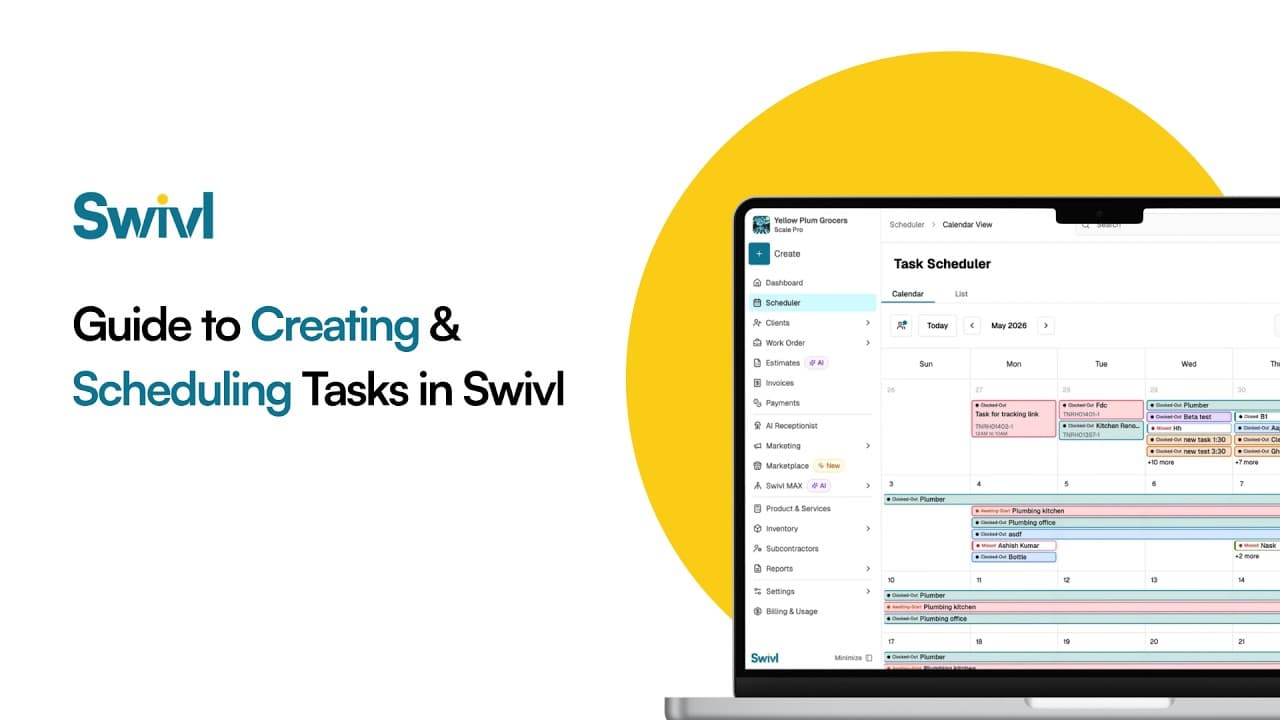
What is a task in Swivl? A task is one visit or piece of field work inside a job. You create it, assign a technician, set the date and time on the schedule, and the tech sees it in the Swivl mobile app with the customer address, notes and checklist, then clocks time against it.
Start free. Unlimited users, no card, no contract.