Loading...
Loading...
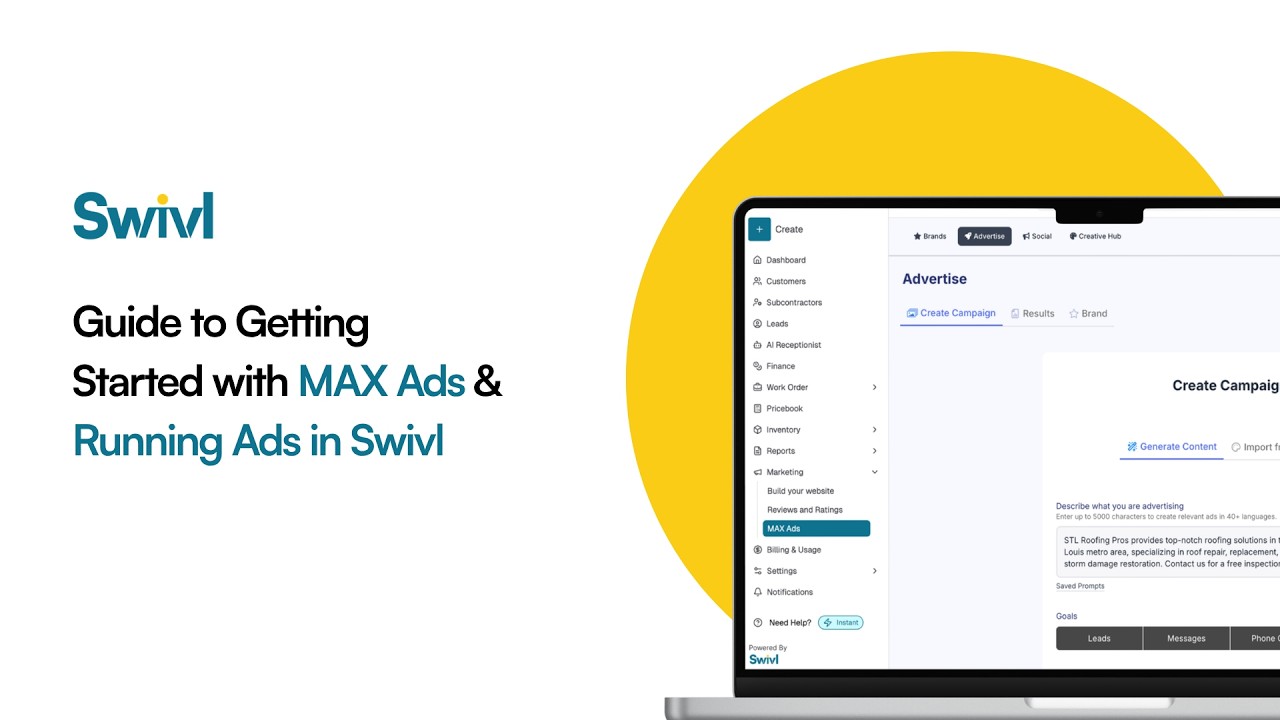
What is MAX Ads? It is the ad tool inside Swivl that builds local ad campaigns for the services you choose, imports your branding from your website, and sends every lead into your Swivl leads dashboard, so the leads are yours and not shared with competitors. Building campaigns is free; you pay only the daily ad budget you set. MAX Ads runs campaigns on Google today, with Meta (Facebook and Instagram) coming. This walkthrough was recorded with the Meta connection, so the setup screens differ from today's Google flow.
Launch smarter ads without the guesswork.
In this step-by-step walkthrough, we show you exactly how to get started with MAX Ads inside Swivl, from setting up your brand to launching your first AI-powered campaign.
Whether you're a field service business owner or just getting started with online advertising, MAX Ads helps you run high-performing campaigns without hiring an agency or spending hours figuring things out.
Inside this video, you’ll learn how to:
Connect your Meta Ads account Set up your brand identity using AI Create focused campaigns for better results Choose visuals and templates Set budgets and understand pricing Launch and optimize campaigns for better performance
By the end, you’ll have everything you need to start generating exclusive leads, not shared ones.
👉 Try MAX Ads inside Swivl and start getting customers while you’re out on the job.
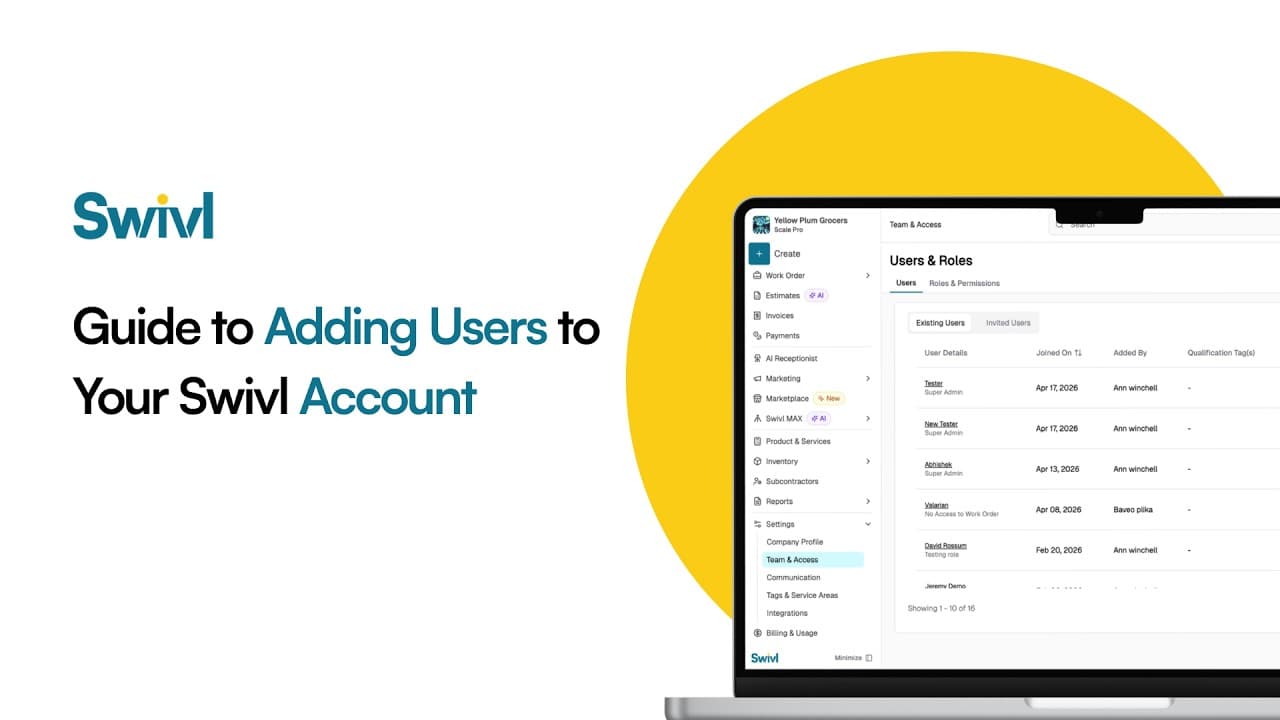
How do you add your team to Swivl? Invite each person by email, give them a role that controls what they can see and do, and set their pay rate and labor burden so job costing is accurate. Swivl has no per-user fees: unlimited users are included on the free plan.
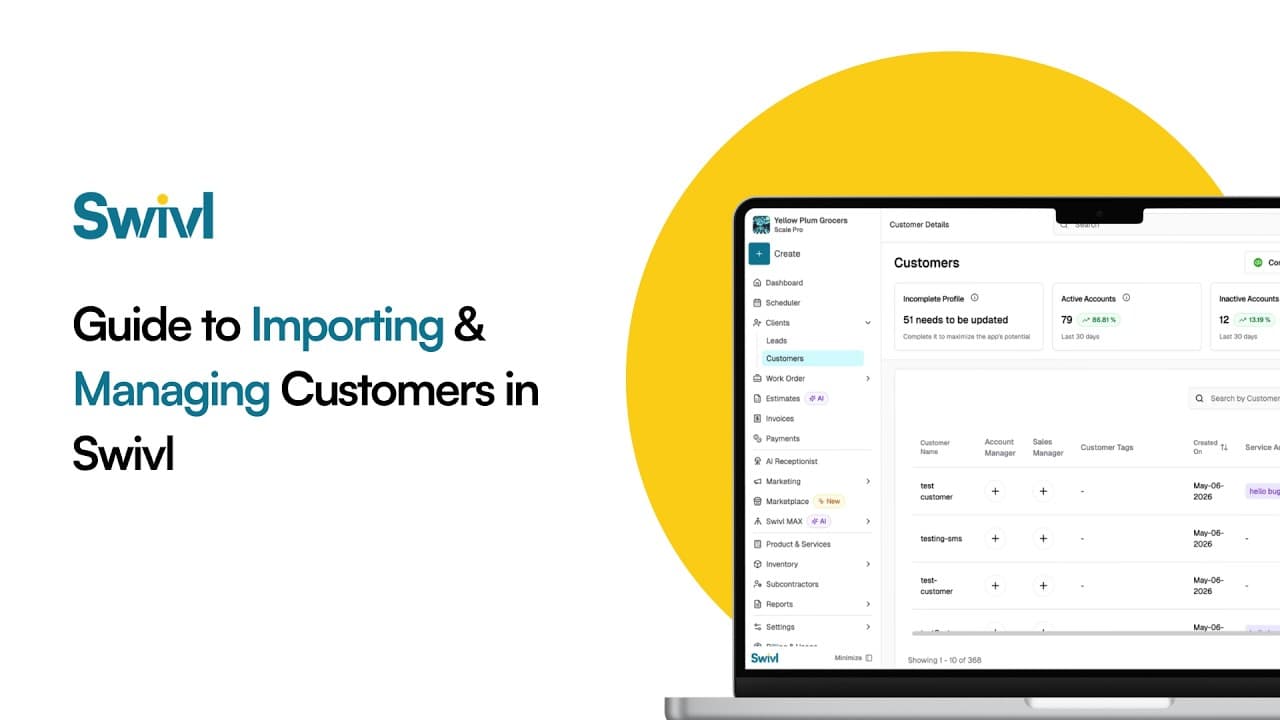
How do you move your customers to Swivl from another tool like Jobber, Housecall Pro or a spreadsheet? Export your customers as a CSV, upload it in Swivl, match the columns, preview, and import. You can then manage every customer, contact and address in Swivl's free CRM.
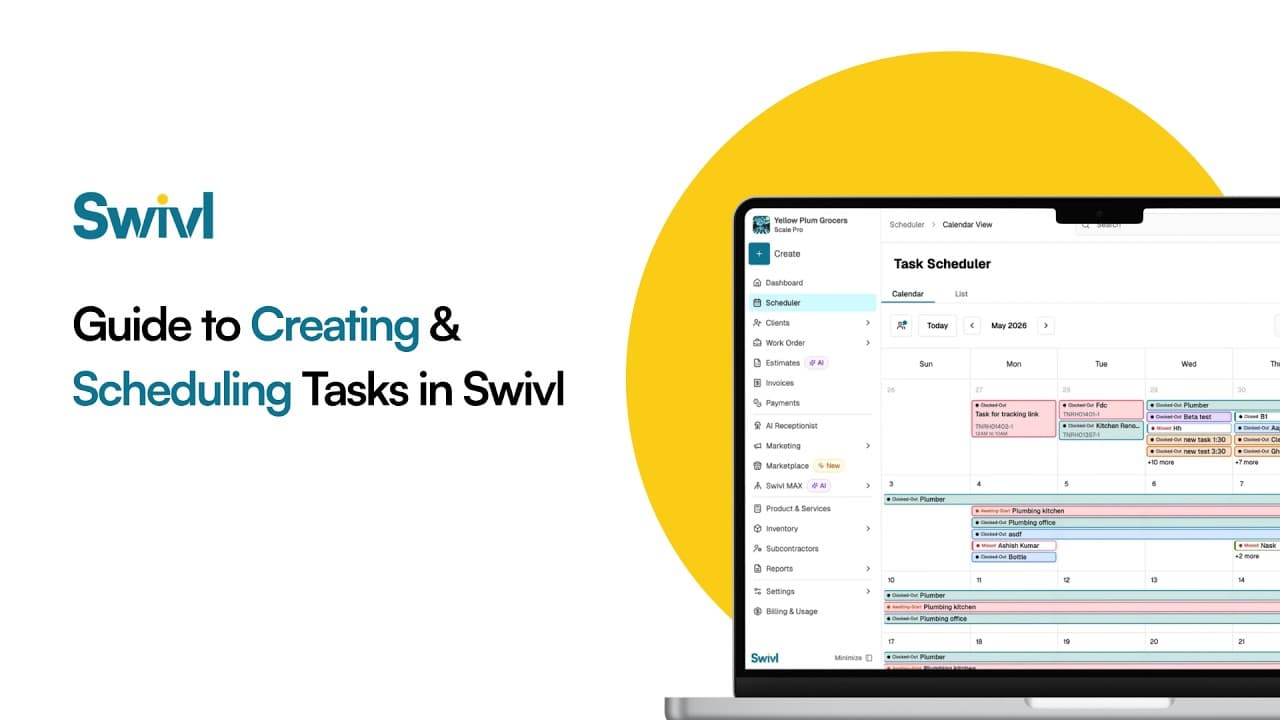
What is a task in Swivl? A task is one visit or piece of field work inside a job. You create it, assign a technician, set the date and time on the schedule, and the tech sees it in the Swivl mobile app with the customer address, notes and checklist, then clocks time against it.
Start free. Unlimited users, no card, no contract.