Loading...
Loading...
Never miss another call or another lead.
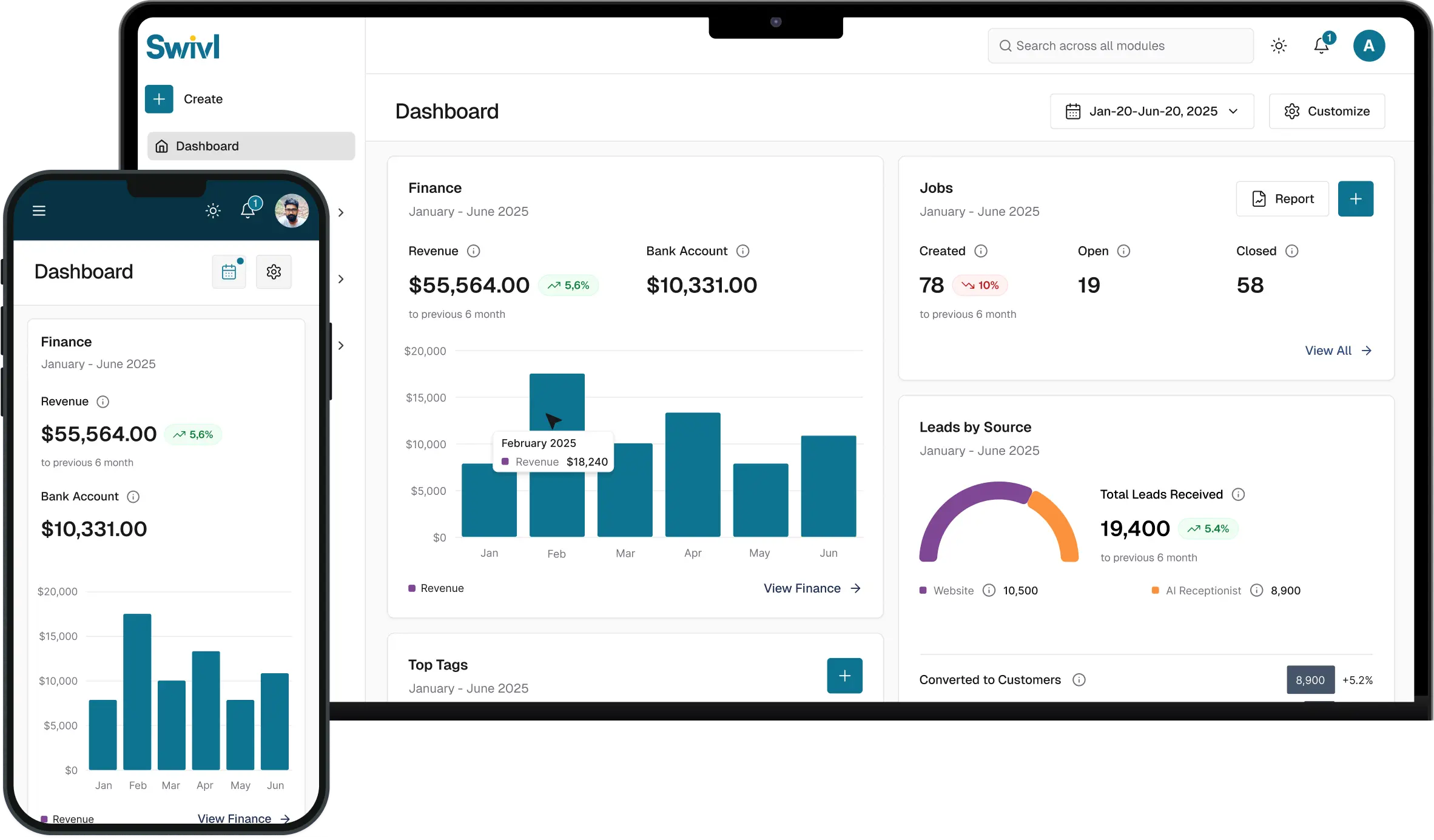
In this step-by-step guide, we’ll show you how to set up and customize Swivl’s AI Receptionist so your business can answer every call, capture every lead, and respond instantly 24/7. From choosing your number and voice to setting up call routing, schedules, and lead capture, everything is designed to help you automate your front desk without missing a beat.
Whether you're in the field or off the clock, your AI receptionist keeps your business running answering calls, collecting customer details, and turning every conversation into an actionable opportunity.
What You’ll Learn:
What Swivl’s AI Receptionist is and how it works How it captures and qualifies leads automatically Setting up your phone number, voice, and greeting Creating a strong company description (AI knowledge base) Configuring business hours and call handling Setting up call routing and transfers Handling after-hours and emergency calls

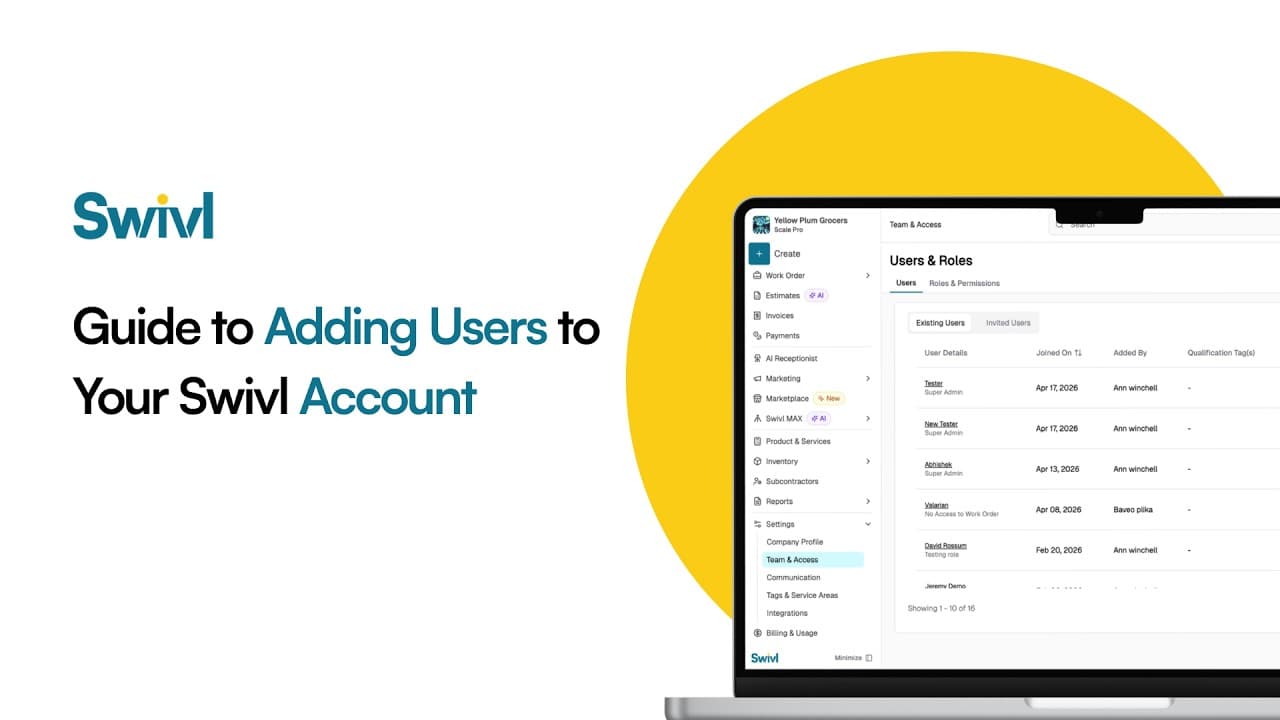
Learn how to add users, technicians, dispatchers, and office staff to your Swivl account in this complete user management tutorial. In this video, Tyson walks you through how to invite new users, configure roles and permissions, set compensation details, and optimize labor burden settings for accurate job costing.
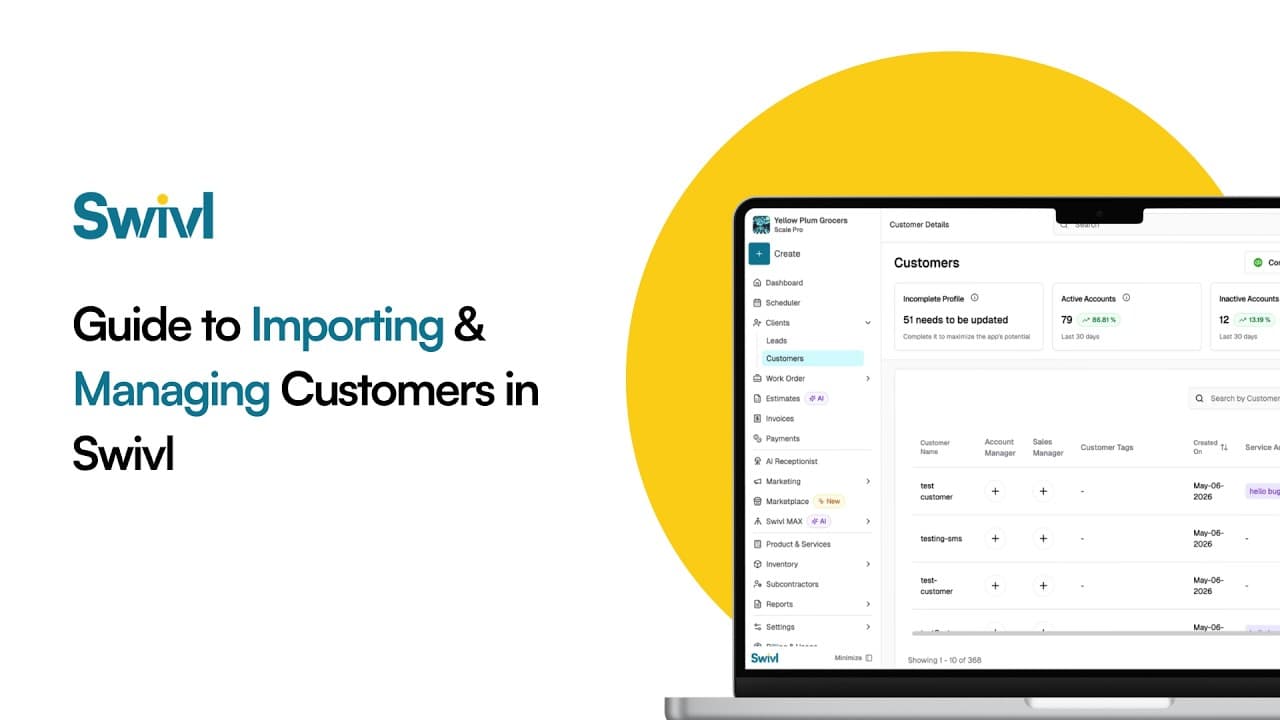
Learn how to add customers to your Swivl account using three simple methods, QuickBooks sync, CSV upload, and manual entry. In this tutorial, Tyson walks you through the complete customer import process so you can quickly organize your customer database and streamline your field service operations.
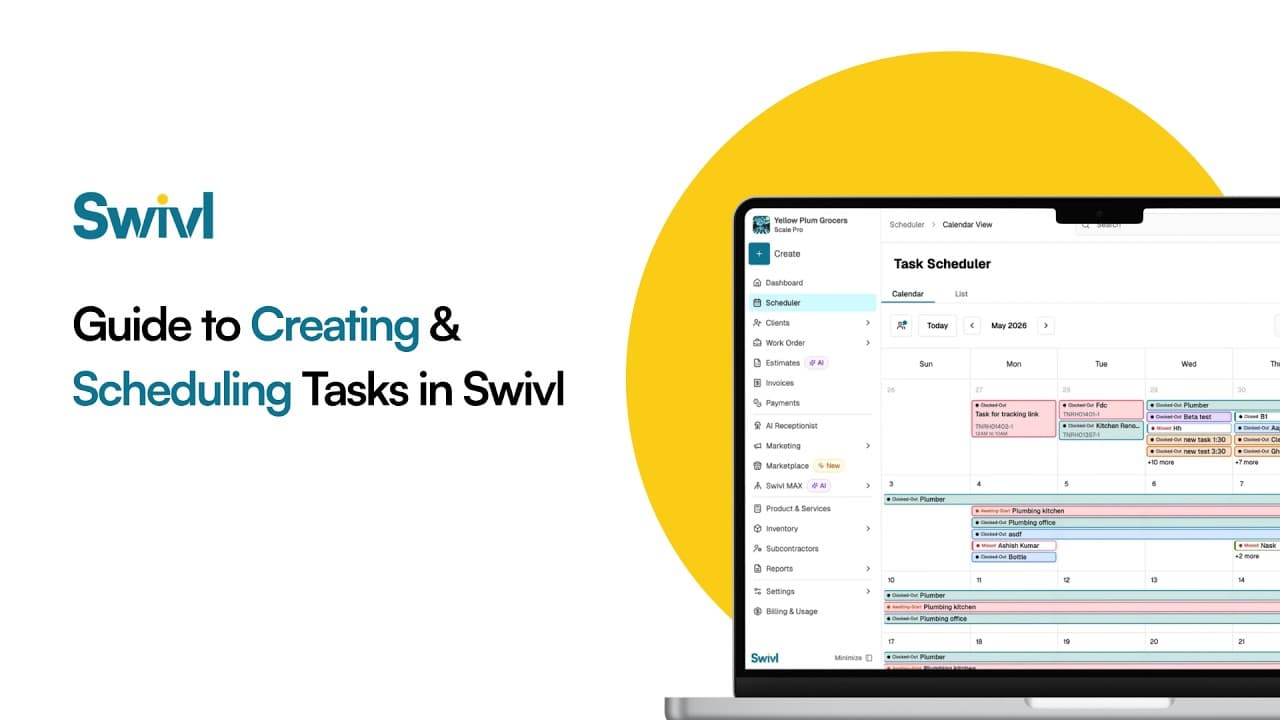
Learn how to create and schedule tasks in Swivl to streamline your field service operations and improve project management. In this tutorial, Tyson walks you through the difference between jobs and tasks in Swivl, how to organize customer information, and how field technicians can manage scheduled and unscheduled work more efficiently.
Start free. Unlimited users, no card, nothing expires.