Loading...
Loading...
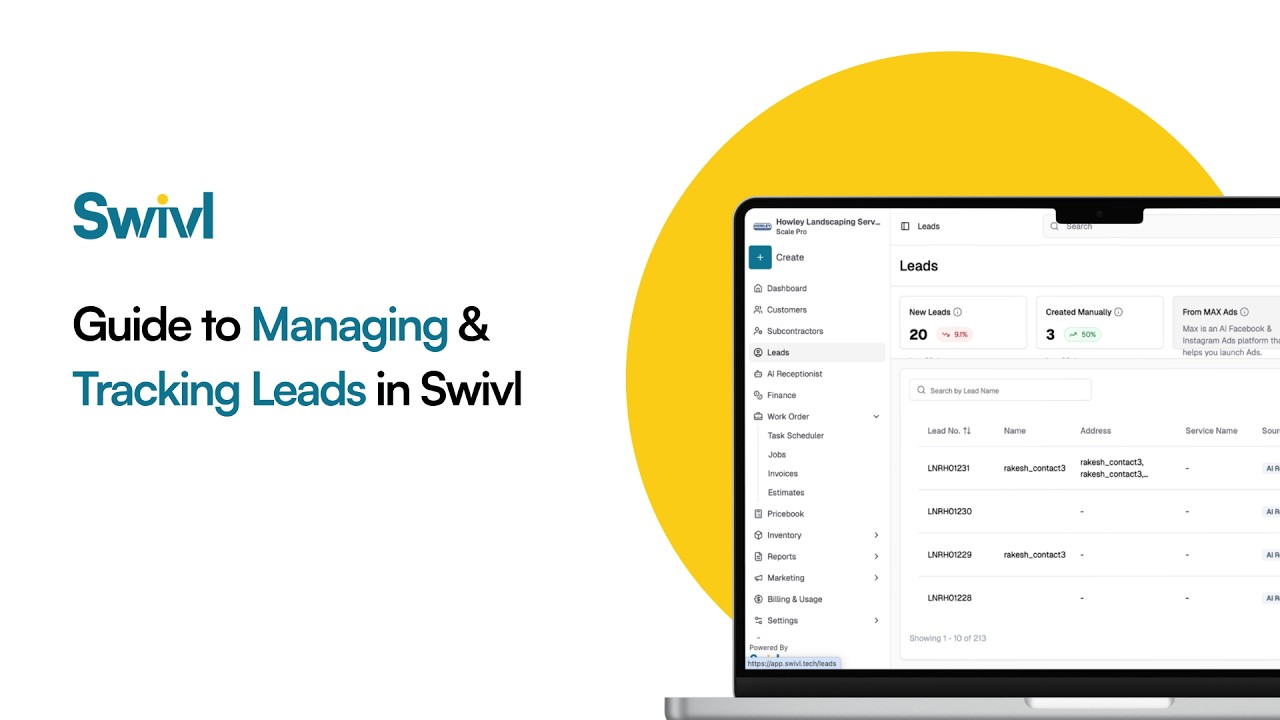
Capture, track, and convert every lead, all in one place.
In this guide, we’ll show you how Swivl helps you manage your entire lead pipeline effortlessly. From leads generated through your website, AI receptionist, ads, and instant quote requests, to tracking performance and converting them into estimates or jobs, everything is centralized so nothing slips through the cracks.
Whether leads come in automatically or manually, Swivl gives you full visibility and the tools you need to turn more inquiries into paying customers.
What You’ll Learn: Where your leads come from (website, ads, AI receptionist, instant quotes) How to track lead sources and performance Viewing and managing leads in one dashboard Converting leads into estimates, jobs, or customers Understanding jobs vs tasks in Swivl Adding leads manually
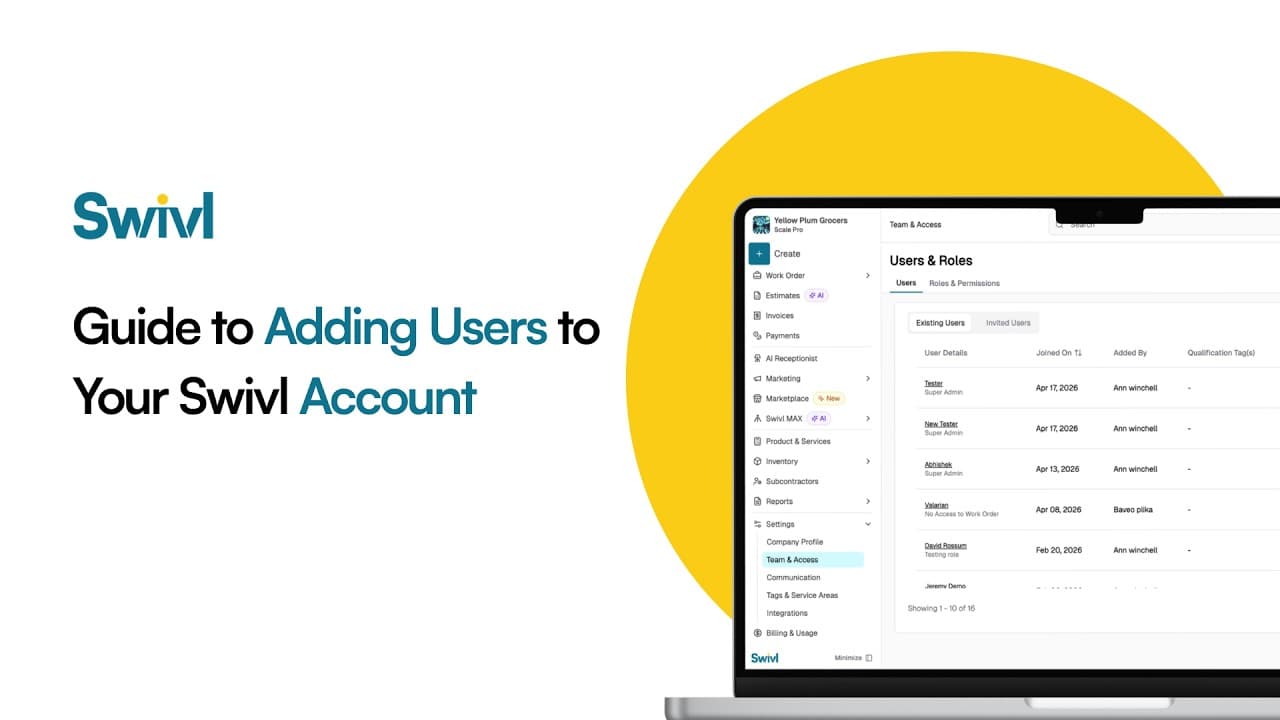
Learn how to add users, technicians, dispatchers, and office staff to your Swivl account in this complete user management tutorial. In this video, Tyson walks you through how to invite new users, configure roles and permissions, set compensation details, and optimize labor burden settings for accurate job costing.
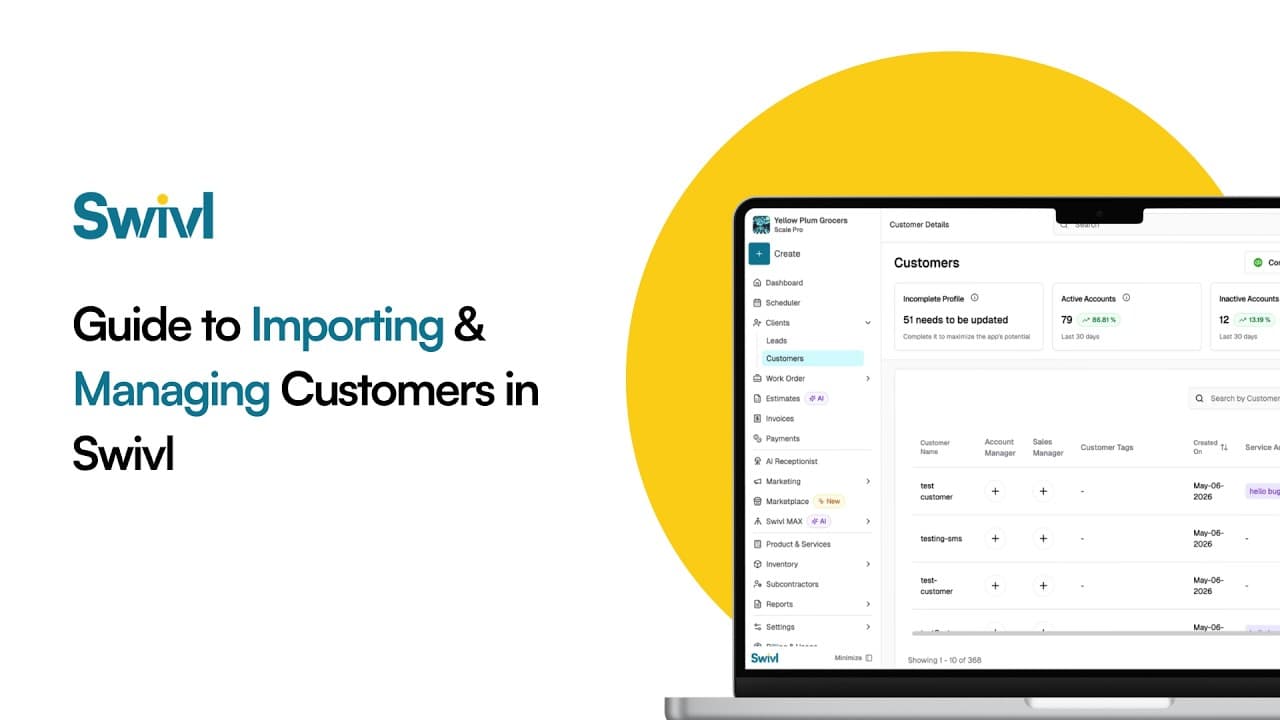
Learn how to add customers to your Swivl account using three simple methods, QuickBooks sync, CSV upload, and manual entry. In this tutorial, Tyson walks you through the complete customer import process so you can quickly organize your customer database and streamline your field service operations.
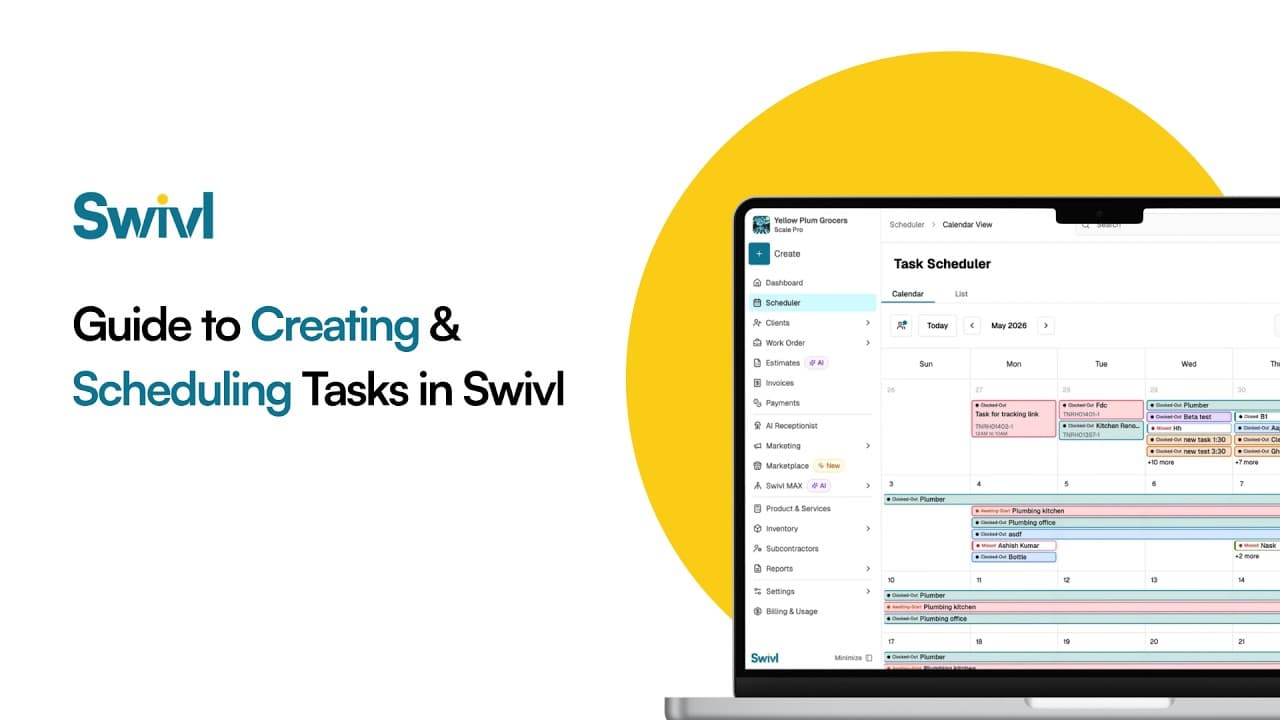
Learn how to create and schedule tasks in Swivl to streamline your field service operations and improve project management. In this tutorial, Tyson walks you through the difference between jobs and tasks in Swivl, how to organize customer information, and how field technicians can manage scheduled and unscheduled work more efficiently.
Start free. Unlimited users, no card, nothing expires.