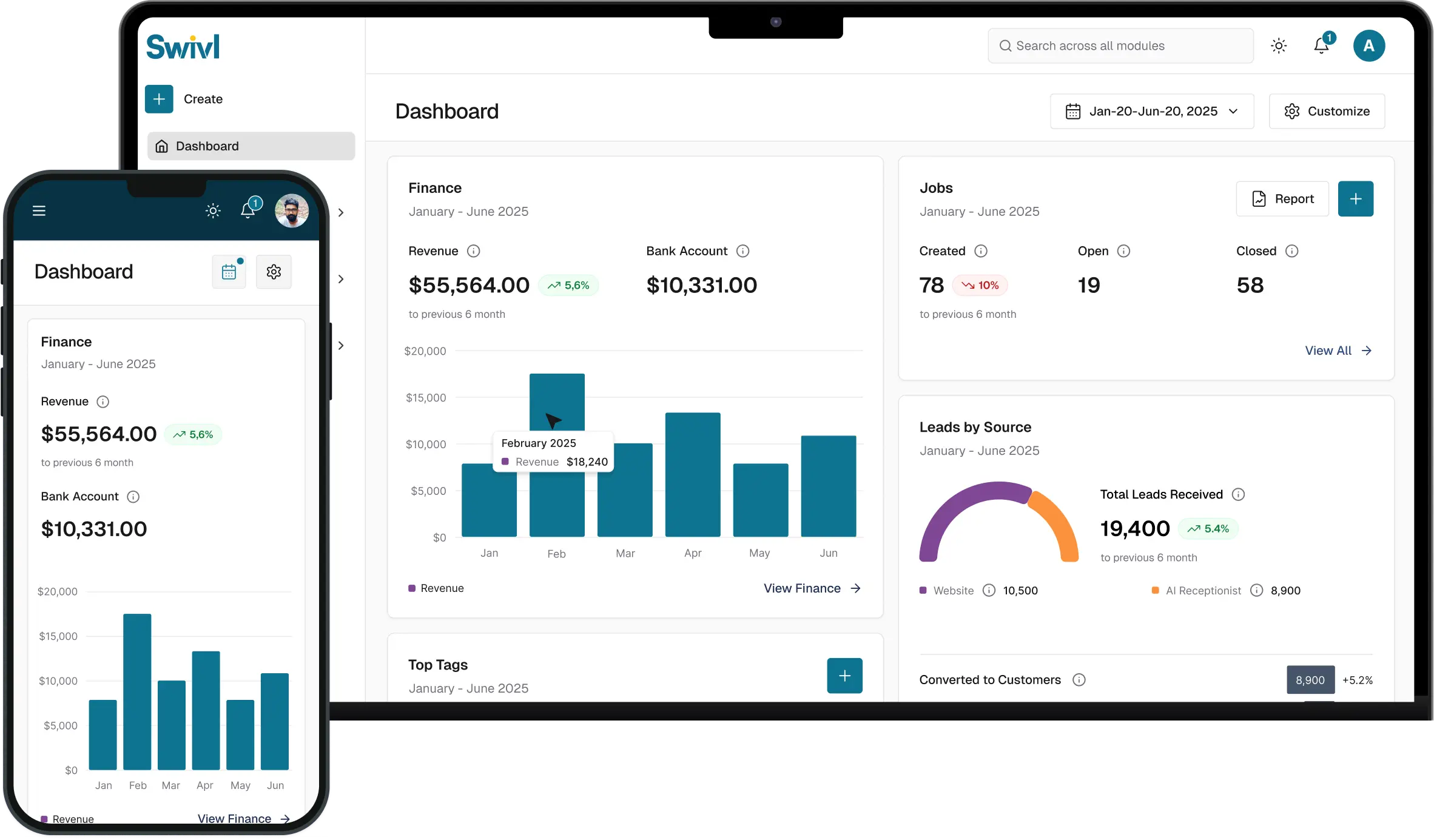
Loading...
Loading...
How do you take card payments in Swivl? Connect a Stripe account from the Finance section, enter your business and bank details for payouts, and set your payout schedule. After that, every invoice and estimate deposit you send has a pay-now link, and payments are recorded in Swivl automatically.
Recorded November 2025. A few screens may look slightly different in today's app; the steps are the same.
Learn how to create and configure your Stripe account for payment processing in Swivl with this comprehensive tutorial!
In this video, you'll learn: - Navigate to the Finance module in Swivl - Connect your Stripe account - Accept terms and conditions - Set up your Stripe account with email and password - Complete two-step authentication - Save backup codes for account recovery - Enter business information (location, type, name, address) - Add personal details (name, email, DOB, phone, SSN) - Select your industry and add website/product description - Set up financial details and bank account for payouts - Configure payout schedule and payment descriptor - View and manage your Stripe account from Swivl
Perfect for businesses looking to streamline payment processing and financial management!
Does Swivl work with QuickBooks? Yes. Connect QuickBooks Online from Swivl's Integrations page and authorize the link. Invoices, payments, customers and pricebook items then sync between Swivl and QuickBooks, so you are not entering the same numbers twice.
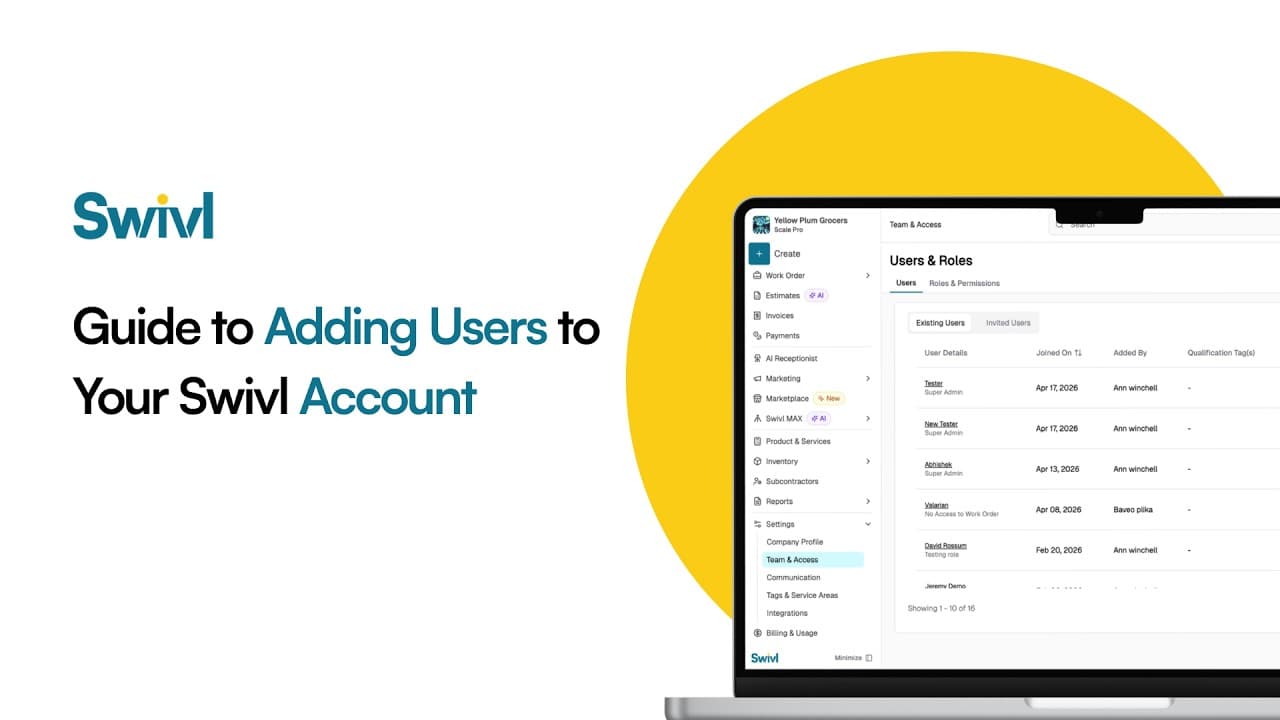
How do you add your team to Swivl? Invite each person by email, give them a role that controls what they can see and do, and set their pay rate and labor burden so job costing is accurate. Swivl has no per-user fees: unlimited users are included on the free plan.
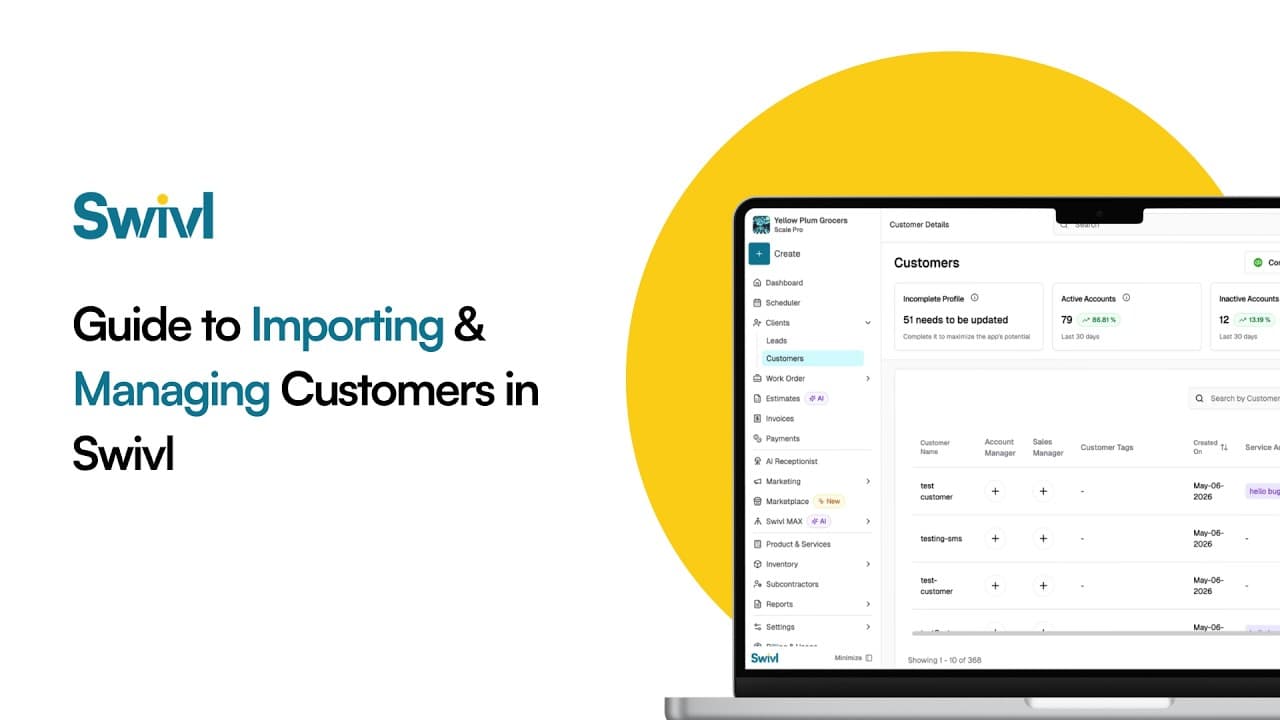
How do you move your customers to Swivl from another tool like Jobber, Housecall Pro or a spreadsheet? Export your customers as a CSV, upload it in Swivl, match the columns, preview, and import. You can then manage every customer, contact and address in Swivl's free CRM.
Start free. Unlimited users, no card, no contract.