Loading...
Loading...
What is a job in Swivl? A job is the folder for one project. It holds the customer and job site, and everything about the work lives inside it: the estimate, the scheduled visits, the invoice, photos and receipts, customer messages, and job costs. Estimates, visits and invoices aren't steps after the job; they're pieces inside it.
This full walkthrough follows a real 50-gallon gas water heater replacement in Swivl, the field service management software for plumbers, handymen and contractors.
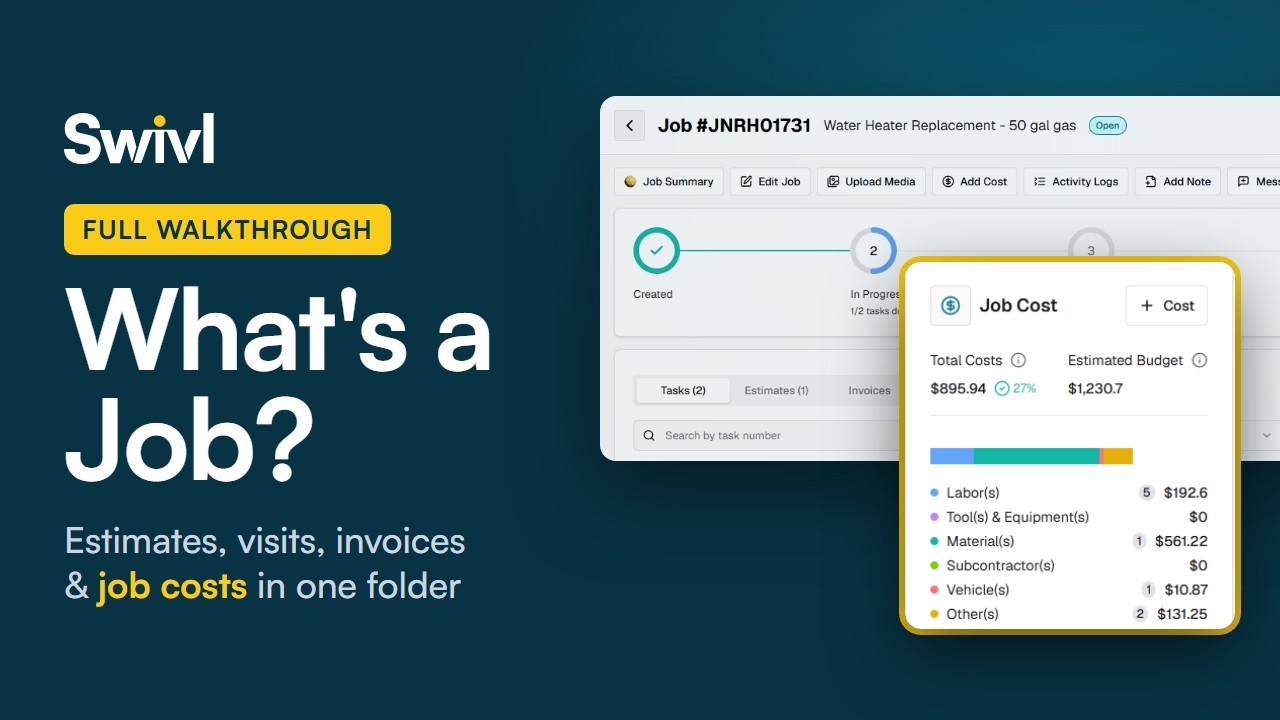
In this video, you'll learn: - What a job is in Swivl, and why it works like a folder - Where scheduled visits, estimates and invoices live inside a job - How photos, documents and receipts stay attached to the job - How labor and vehicle costs are captured automatically when a tech clocks in and out on the Swivl mobile app - How GPS tracking shows drive time, supply-house stops, idle time and miles - How to add labor time or materials by hand, or read a receipt with AI Extract - How the Job Cost card compares estimated costs with actual costs - How to get a job summary from Max, Swivl's AI assistant
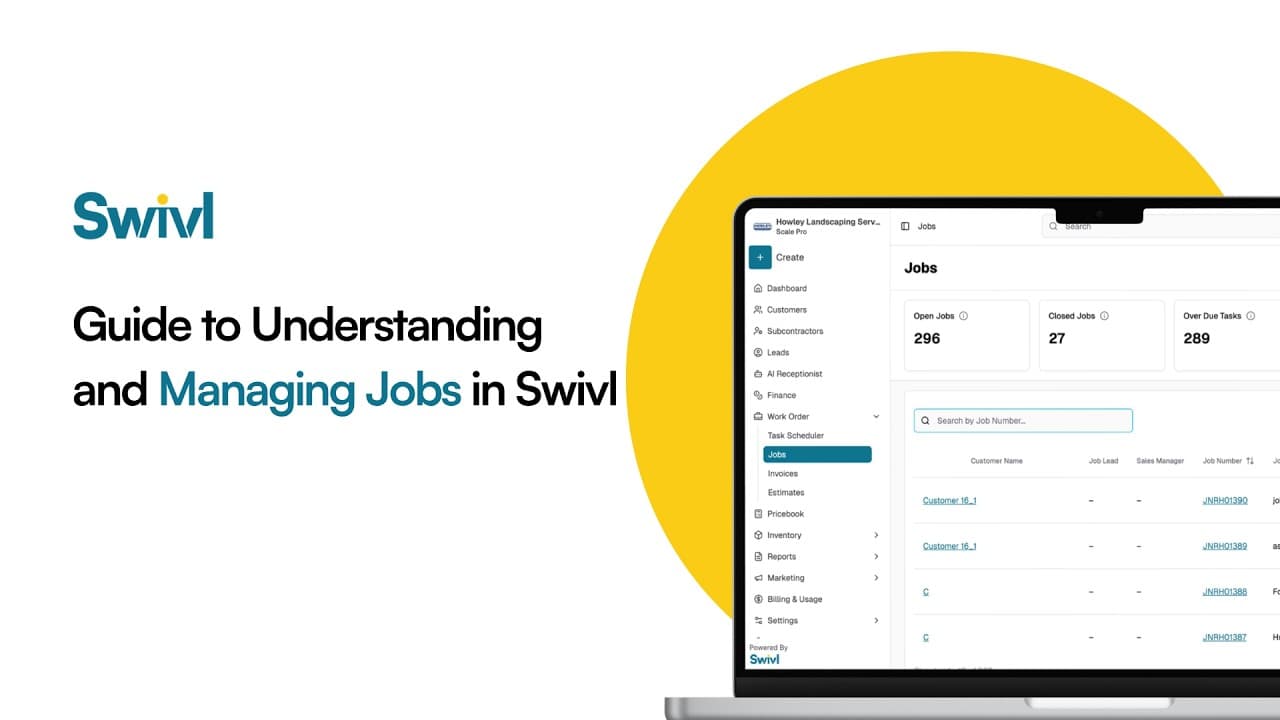
What is a job in Swivl? A job is the folder for one project. It holds the customer and every estimate, change order, invoice, task (field visit), cost, note, photo and document for that project, so you can see the whole job and its profit in one place instead of chasing separate invoices.
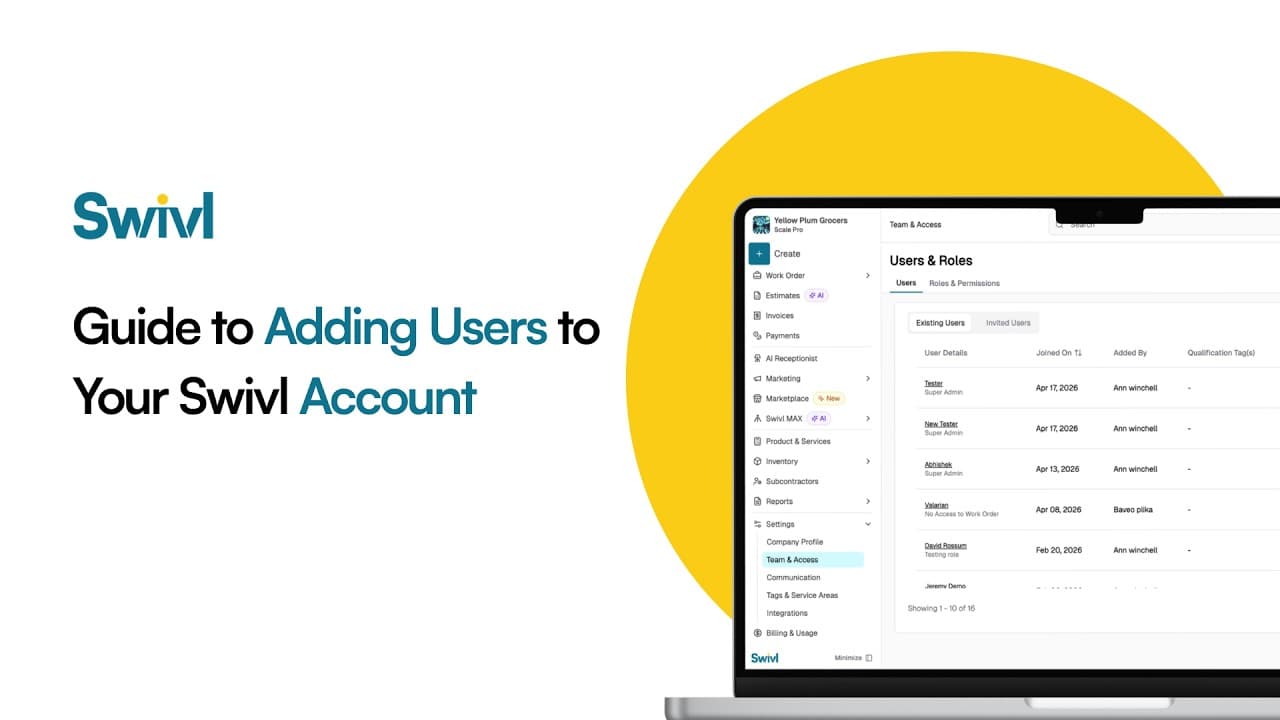
How do you add your team to Swivl? Invite each person by email, give them a role that controls what they can see and do, and set their pay rate and labor burden so job costing is accurate. Swivl has no per-user fees: unlimited users are included on the free plan.
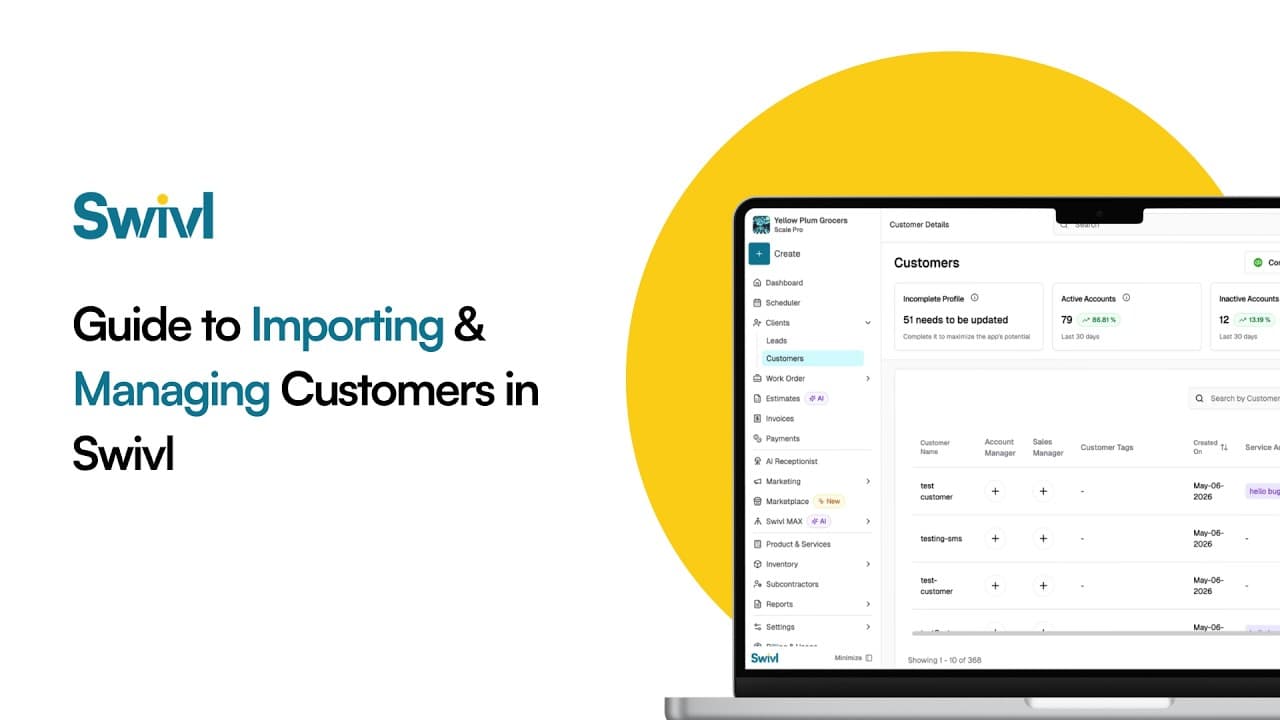
How do you move your customers to Swivl from another tool like Jobber, Housecall Pro or a spreadsheet? Export your customers as a CSV, upload it in Swivl, match the columns, preview, and import. You can then manage every customer, contact and address in Swivl's free CRM.
Start free. Unlimited users, no card, no contract.