
Editing Your Company Profile
The Company Profile stores your business identity in Swivl. From here you can manage your company name, contact details, addresses, services offered, service areas, business hours, social media links, and supporting documents.
Overview
The Company Profile is your business identity inside Swivl. It stores your company name, contact details, addresses, services offered, service areas, business hours, social media links, and uploaded documents. Only Super Admins can edit this information.
Who can access this
- Super Admin: full access (view and edit)
- Admin, Lead Technician, Technician: no access to this section
Viewing the company profile
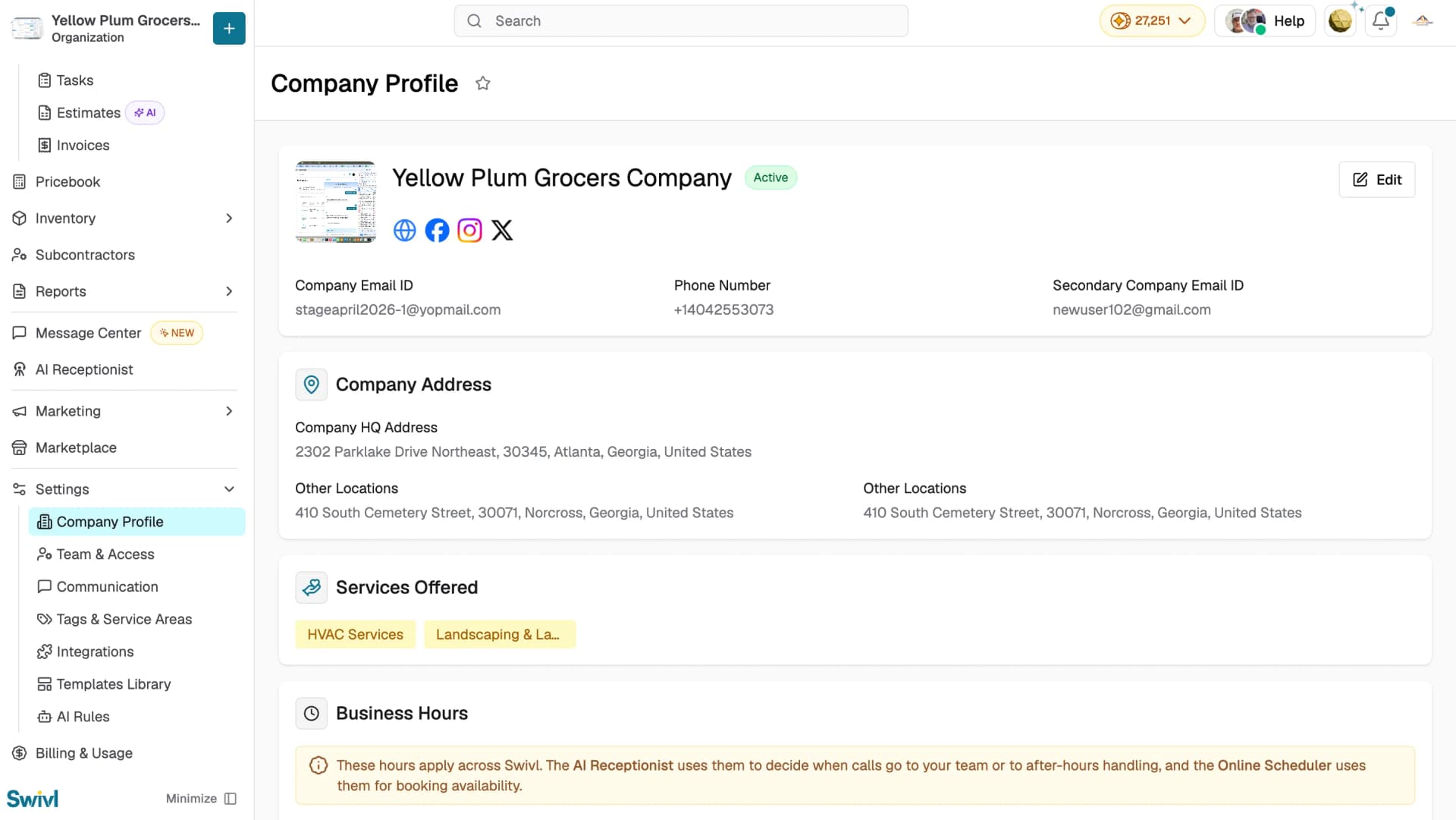
Navigate to Settings → Company Profile. The page displays the following sections:
- Company header: company name, logo, active status, email, phone number, secondary email, and social media links
- Company Address: headquarters address and any additional locations
- Services Offered: the service categories your company provides
- Service Areas: the geographic zones your company covers. Click + Add New Service Area to add more or Manage Service Areas to edit existing ones
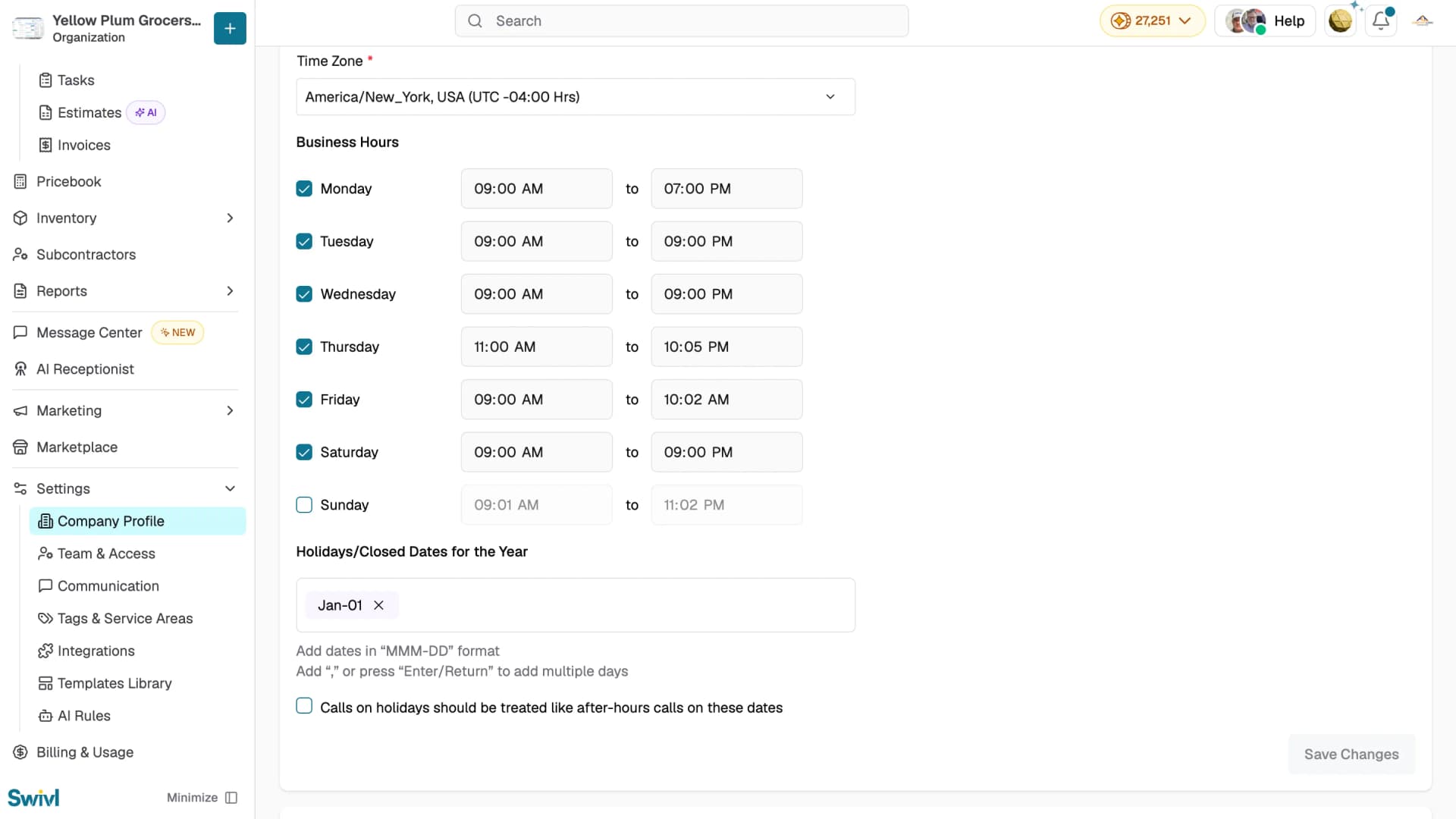
- Business Hours: your timezone, operating hours for each day of the week, and holidays or closed dates for the year
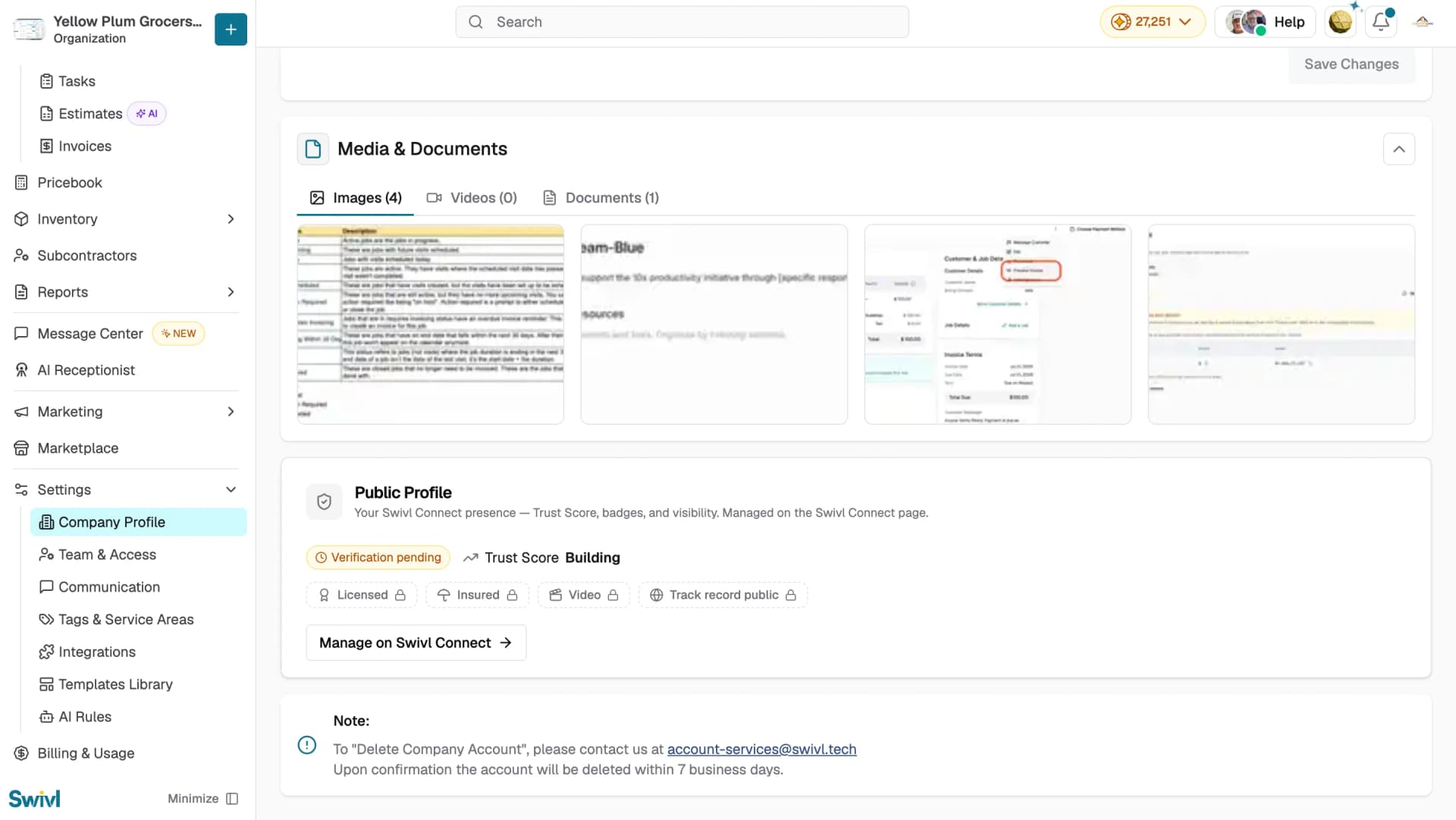
- Media & Documents: uploaded files such as licences, insurance certificates, and other business documents
Editing the company profile
- Click the Edit button at the top right of the company header
- Update any of the following fields:
- Company Name
- Company Email and Secondary Email
- Phone Number
- Company Logo : upload or replace
- Services Offered: add or remove service types
- Service Areas: add or remove zones
- Company HQ Address and additional office locations
- Social Media Profiles: website, Facebook, Instagram, and X URLs
- Media & Documents: upload or delete files
- Click Save at the bottom of the page
To discard changes click Cancel , if you have unsaved changes Swivl will ask you to confirm before leaving the page.
Managing addresses
Your company can have one headquarters address and multiple additional locations. Each address includes street address, city, state, ZIP code, and country. When adding a new team member, they select from these company addresses.
Tips
- Tips
- Keep your company email up to date it is used as the default sender identity in customer communications
- Add accurate service areas to help with dispatch optimisation and reporting
- To delete your Swivl account, contact account-services@swivl.tech and the account will be deleted within 7 business days of confirmation
- Uploaded documents are visible to any user with Company Profile access, only upload files you are comfortable sharing with your team