
Settings
Editing Your Profile
Learn how to view and update your personal details, contact information, and profile photo in Swivl.
Overview
Your profile in Swivl stores your personal and company contact details. Every user regardless of role can view and edit their own profile at any time.
Who can access this
Role | Access |
|---|---|
Super Admin | Full access |
Admin | Full access to own profile |
Lead Technician | Full access to own profile |
Technician | Full access to own profile |
Viewing your profile
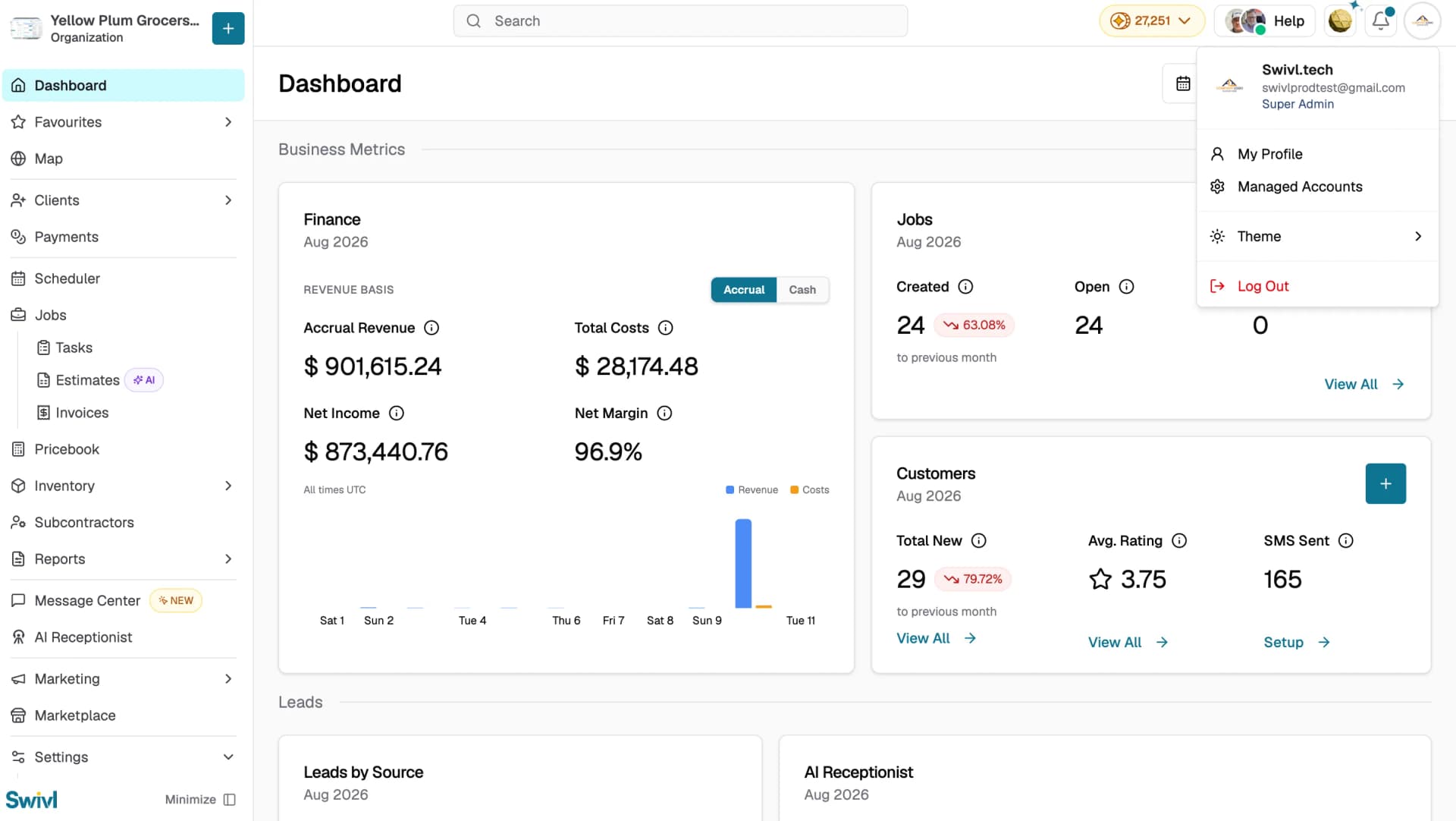
- Click your avatar in the top-right corner of Swivl.
- Select My Profile from the menu.
- Your profile opens on the Basic Details tab by default.
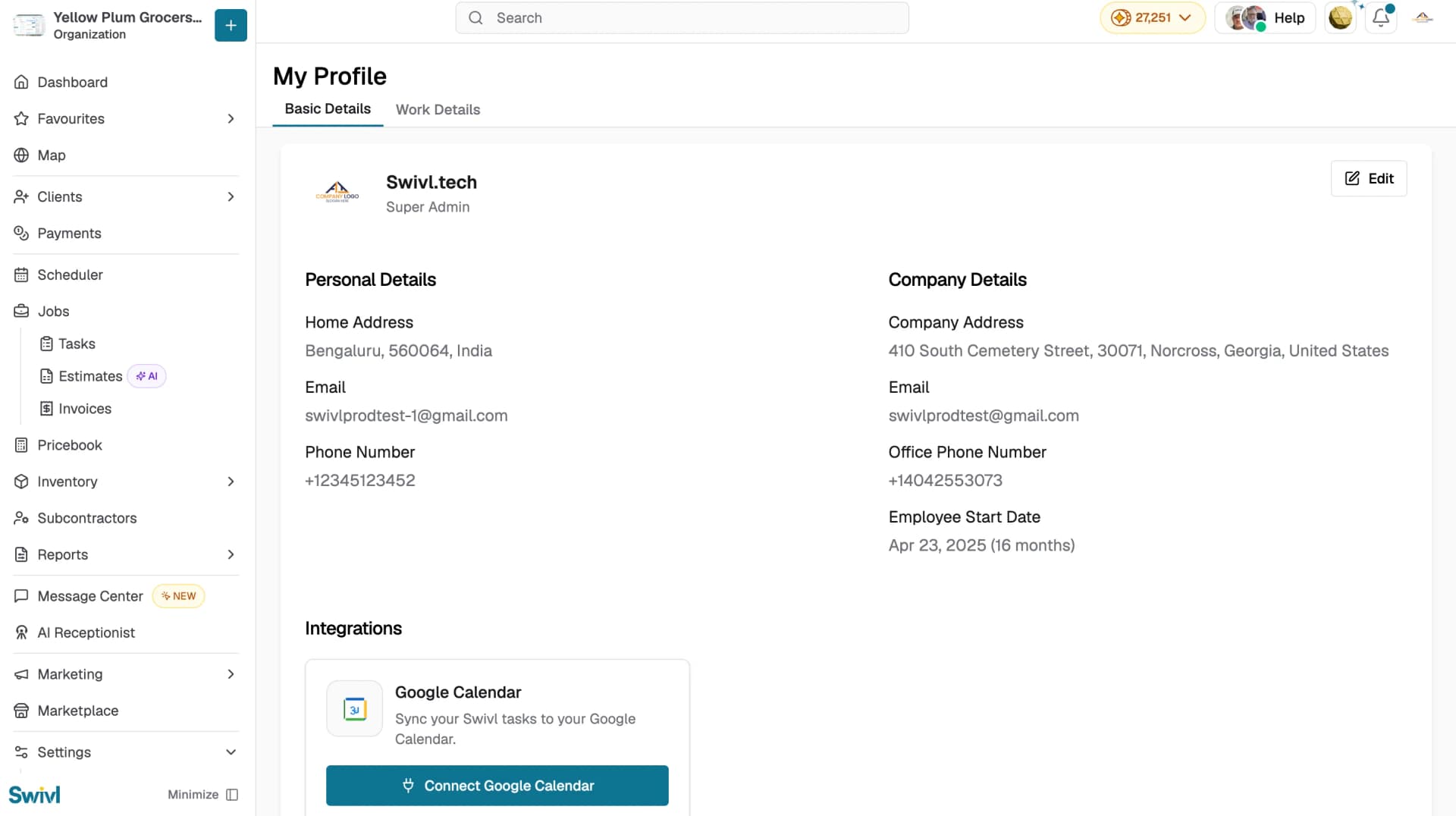
Your profile has two tabs:
- Basic Details: your personal and company contact information.
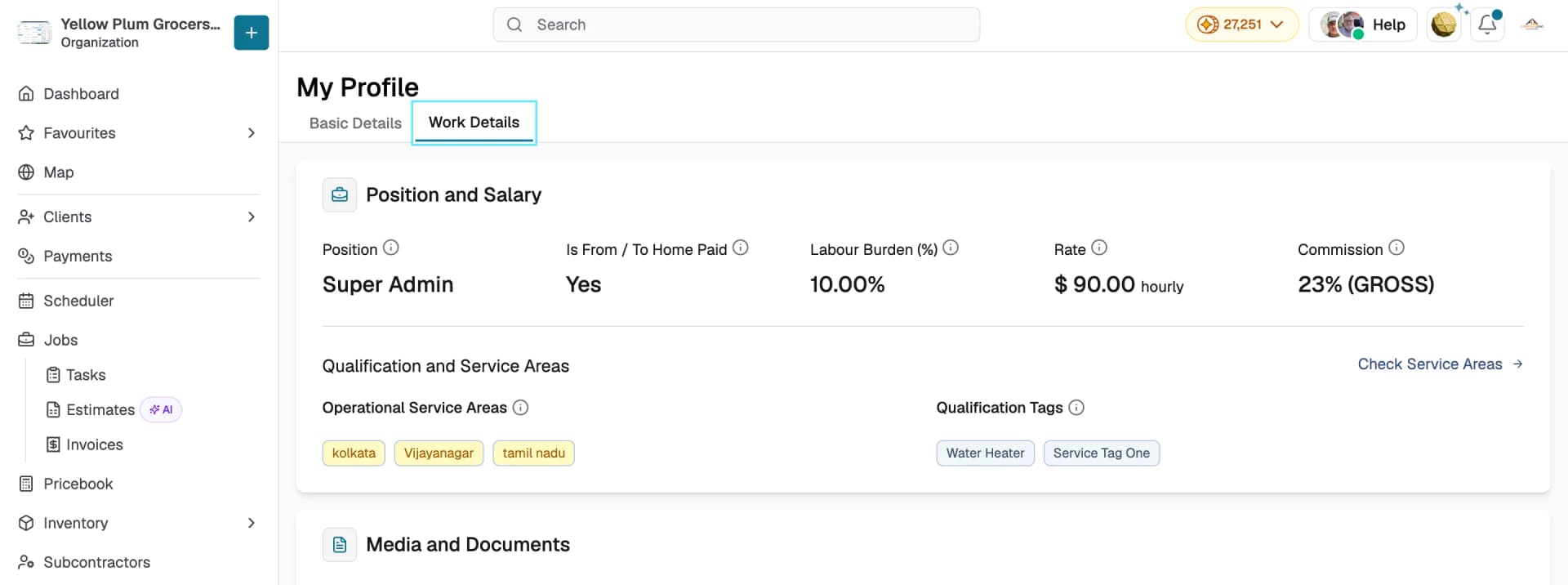
- Work Details: your position, salary, qualifications, and service areas (set by your Super Admin).
Editing your basic details
- On the Basic Details tab, click Edit.
- Update your Personal Details or Company Details as needed.
- Click Save to apply your changes, or Cancel to discard them.
Connecting Google Calendar
Under Integrations on the Basic Details tab, click Connect Google Calendar to sync your Swivl tasks to your Google Calendar. Once connected, scheduled tasks appear alongside your other calendar events.
What's on Work Details
The Work Details tab is read-only and shows what your Super Admin has configured for you:
- Position and Salary: your position, whether from/to home travel is paid, labour burden %, rate, and commission
- Qualification and Service Areas: your Operational Service Areas and Qualification Tags. Click Check Service Areas to see the full list
- Media and Documents: any files attached to your record
Tips
- Your Employee Start Date is set automatically when your account is created and cannot be changed from this screen.
- Changes made here are reflected everywhere your name and contact details appear in Swivl.
- Work Details are managed by your Super Admin contact them if your rate, commission, or service areas need updating.